Finding an inexpensive LMS can be a real challenge, as you’re trying to stay within a tight budget, but you still need something your team will actually use. That’s especially true for small businesses, startups, and L&D teams without IT support, where every tool has to be easy to launch, easy to manage, and worth the money.
Key Takeaways
✓ The best inexpensive LMS isn’t always the cheapest—it’s the one with the lowest total cost over time.
✓ AI-powered LMS platforms can reduce onboarding and training creation costs—not just subscription costs.
✓ Deelan starts at 299€/month, includes unlimited learners, and combines LMS + AI training creation in one platform.
✓ Before choosing a cheap LMS, check for hidden costs like setup fees, user limits, integrations, and admin overhead.
If you’re comparing options, checking pricing, and trying to avoid surprises like setup fees, hidden add-ons, or platforms that look affordable until you scale, this guide is for you. You’ll get an honest shortlist of well-known platforms plus a newer cheaper AI-powered alternatives
Quick Comparison Table: Pricing Snapshot of Affordable or Free LMS
Pricing changes often, and vendors may quote differently depending on usage. Use this table as a practical starting point, and confirm current pricing on each vendor site before purchase.
Platform | Typical “Inexpensive” Entry Point | Free Plan? | Hosting Included? | Best For |
|---|---|---|---|---|
✅ | ✅ | Revenue teams, | ||
Moodle (self-hosted) | Software free + hosting/admin time | ✅ | ❌ | Technical teams needing flexibility |
Canvas (open-source) | Free (self-host) or paid hosting | ✅ | Depends | Education-style course delivery |
TalentLMS | Subscription tiers | ✅ | ✅ | SMB training with quick rollout |
Thinkific | Free/low tiers; higher for “LMS-like” use | ✅ | ✅ | Selling courses / external audiences |
SC Training (EdApp) | Free + paid tiers | ✅ | ✅ | Mobile-first microlearning |
Zoho Learn | Very low per-user pricing | ✅ (limited) | ✅ | Companies already using Zoho |
LearnDash | Annual plugin license | ❌ | ❌ | WordPress-based training portals |
8 Inexpensive LMS Platforms to Consider (Pros, Cons, Best Use)
Below are 8 options that come up most often when people search for an inexpensive LMS, a cheap LMS, or a low cost LMS, plus what each one is actually good at.
Which Inexpensive LMS Fits You?
Choose based on your situation:
👉 Startup with no L&D team → Deelan or TalentLMS
👉 Need complete flexibility and technical control → Moodle
👉 Already using WordPress → LearnDash
👉 Need mobile-first microlearning → SC Training
👉 Revenue or sales team onboarding → Deelan
👉 Already inside Zoho ecosystem → Zoho Learn
1) Deelan (AI-Powered Alternative)
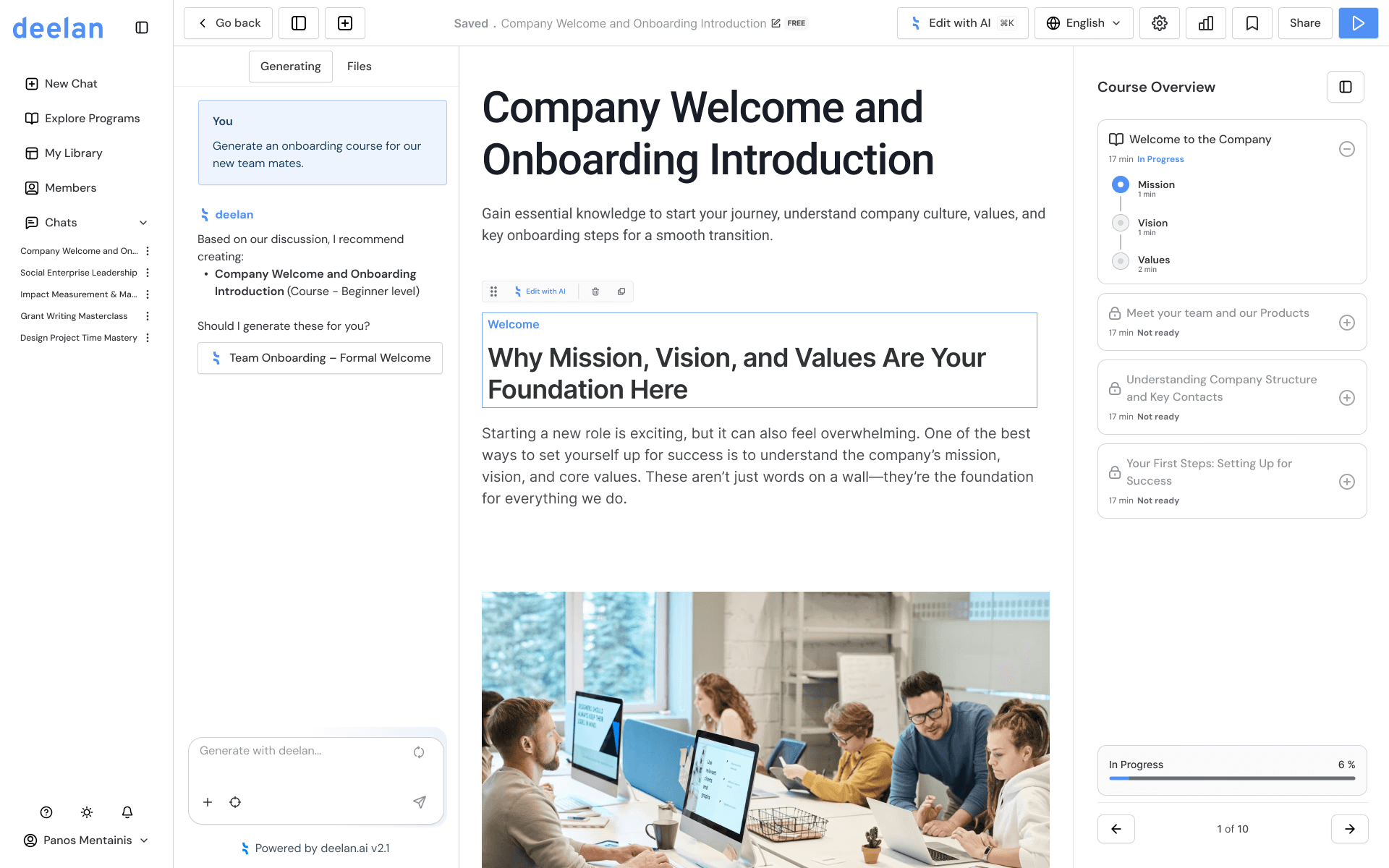
Short description: Deelan is an AI-powered training platform designed for modern teams—especially revenue organizations—where speed, performance, and scalable coaching matter. It’s positioned less as a “generic course builder” and more as a way to turn internal knowledge into structured training quickly.
Pricing overview:
Unlimited learners
No setup fees
Transparent plans
Best for:
Sales/revenue teams, HR teams, founders, enablement, fast-growing startups, and organizations that need training built quickly without heavy content teams.
Pros:
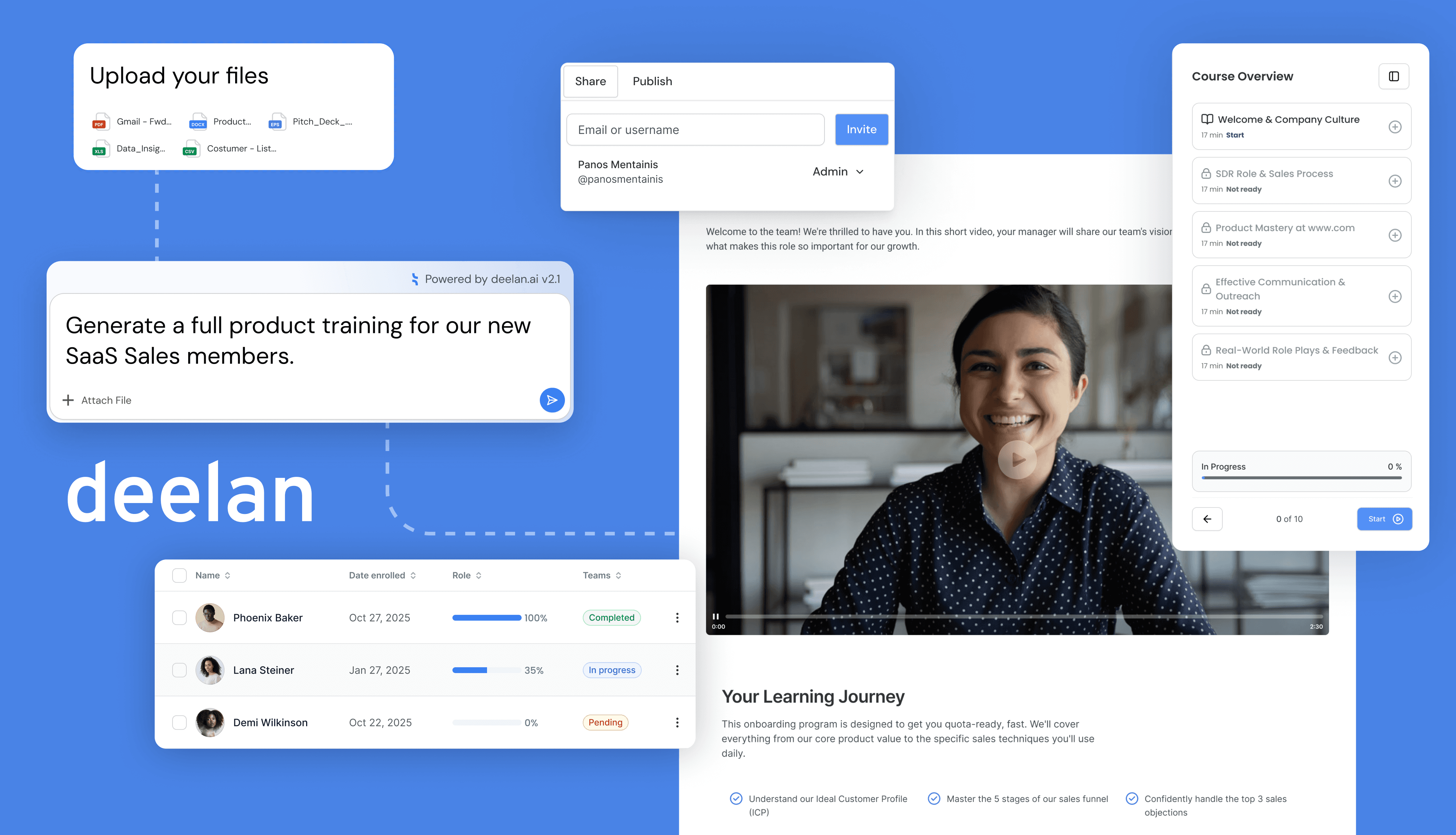
AI training creation: generate structured training in minutes
Adaptive learning paths: training can align to role and needs
Roleplay simulations: practice conversations, objections, discovery
Faster onboarding: less manual content creation and repeated coaching
Predictable pricing with no setup fees and unlimited learners
Cons:
AI-first workflow may require mindset shift
Newer category vs legacy LMS (which can be a pro or con depending on preference)
2) Moodle (Open Source)
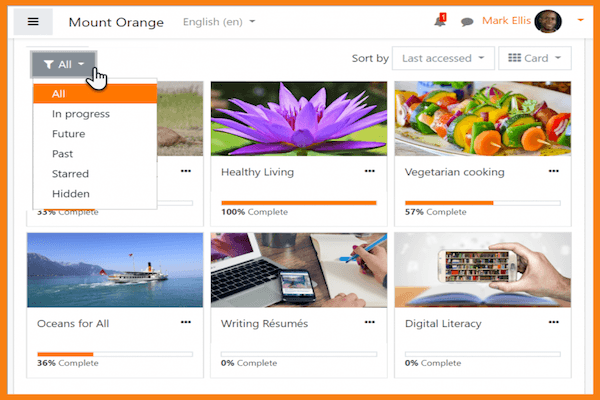
Short description: Moodle is one of the most widely used open-source LMS platforms. It’s powerful, flexible, and widely supported—but typically requires technical setup unless you use a managed host.
Pricing overview:
Software: free
Real cost: hosting + setup + maintenance (or managed hosting subscription)
Best for:
Organizations with access to technical resources, or those willing to pay for managed hosting.
Pros:
Extremely flexible and feature-rich
Huge ecosystem of plugins and integrations
Strong community and long-term stability
Cons:
“Free” can become expensive in time and maintenance
UI/UX can feel complex without customization
Setup and upgrades are not “set and forget”
3) Canvas LMS (Open Source + Hosted Options)
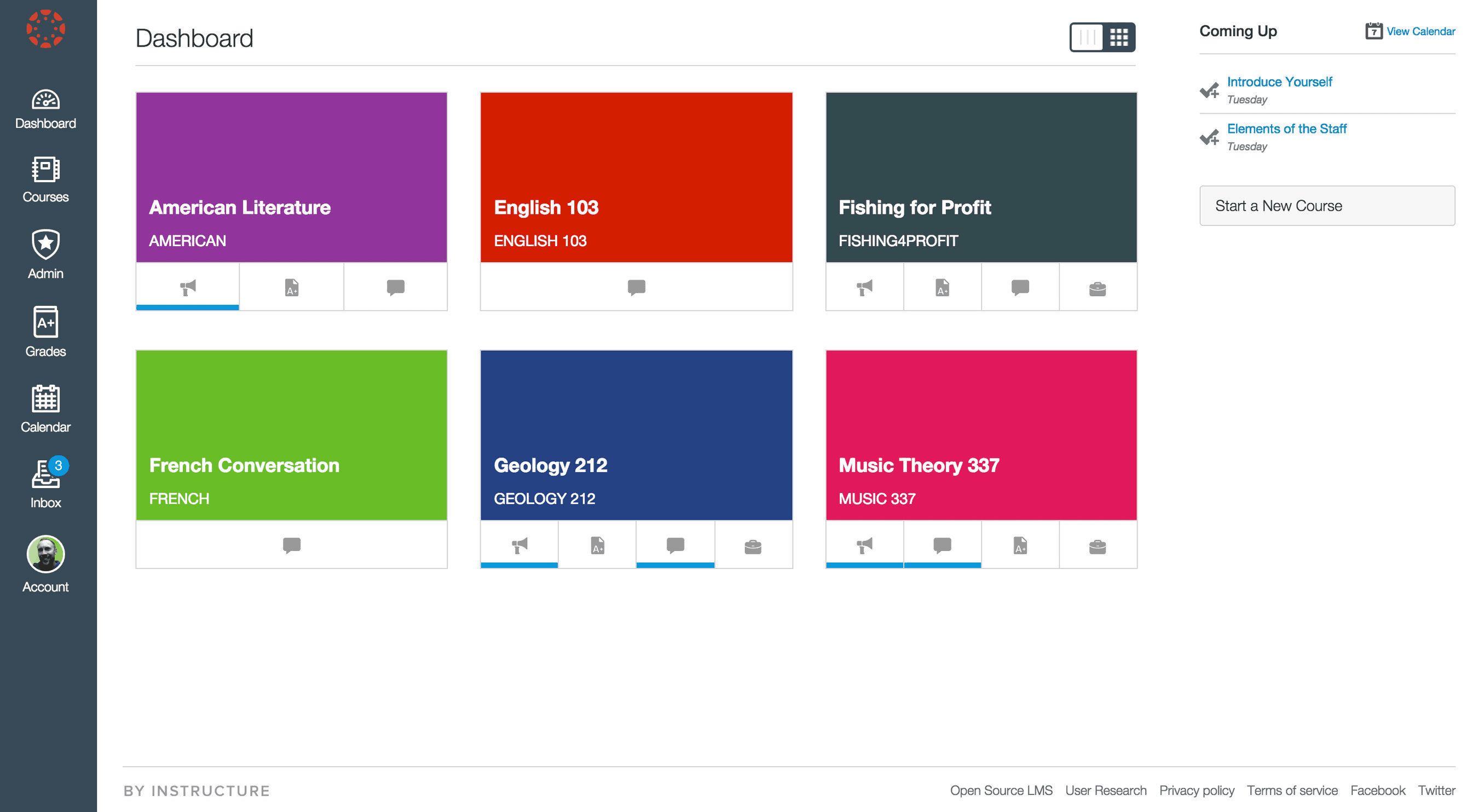
Short description: Canvas is a modern LMS used heavily in education, known for a clean interface and strong course delivery experience.
Pricing overview:
Open-source version: free (self-host)
Hosted plans: vary by provider and scale
Best for:
Education-style training programs, structured learning, blended learning setups.
Pros:
Modern UI and strong course organization
Good collaboration and assignment workflows
Strong ecosystem in academic contexts
Cons:
Costs and complexity rise with hosting and support needs
Not always optimized for lean SMB enablement workflows
Self-hosting still requires technical capacity
4) TalentLMS
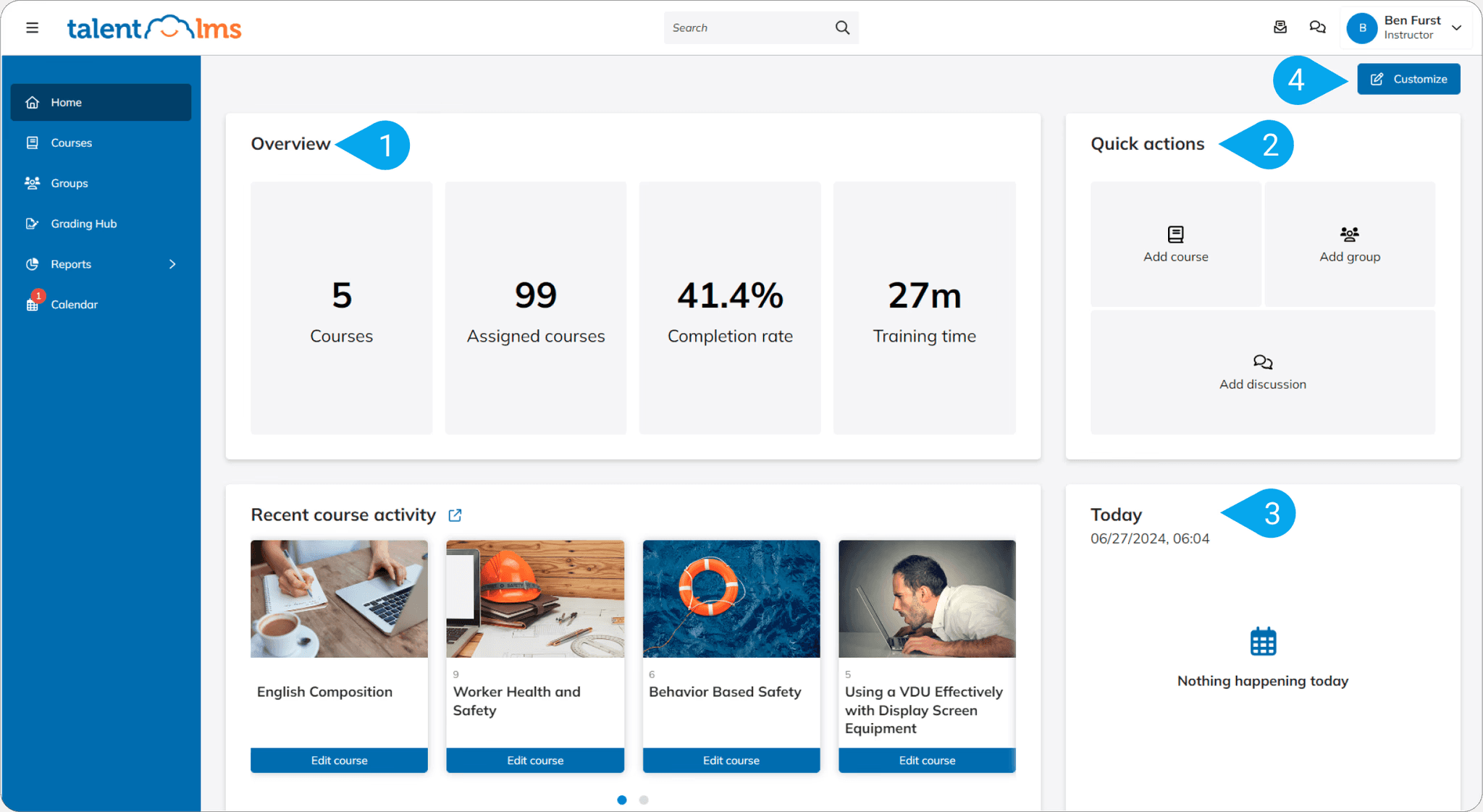
Short description: TalentLMS is popular in SMB training because it’s relatively easy to launch and includes the classic LMS toolkit: courses, assignments, quizzes, and reporting.
Pricing overview:
Free plan available (limited)
Paid tiers scale by users/features
Best for:
If you are looking for “traditional LMS”.
Pros:
Solid core LMS features
Often a strong fit for internal training basics
Cons:
Customization can be limited depending on plan
Some integrations/features may require higher tiers
5) Thinkific
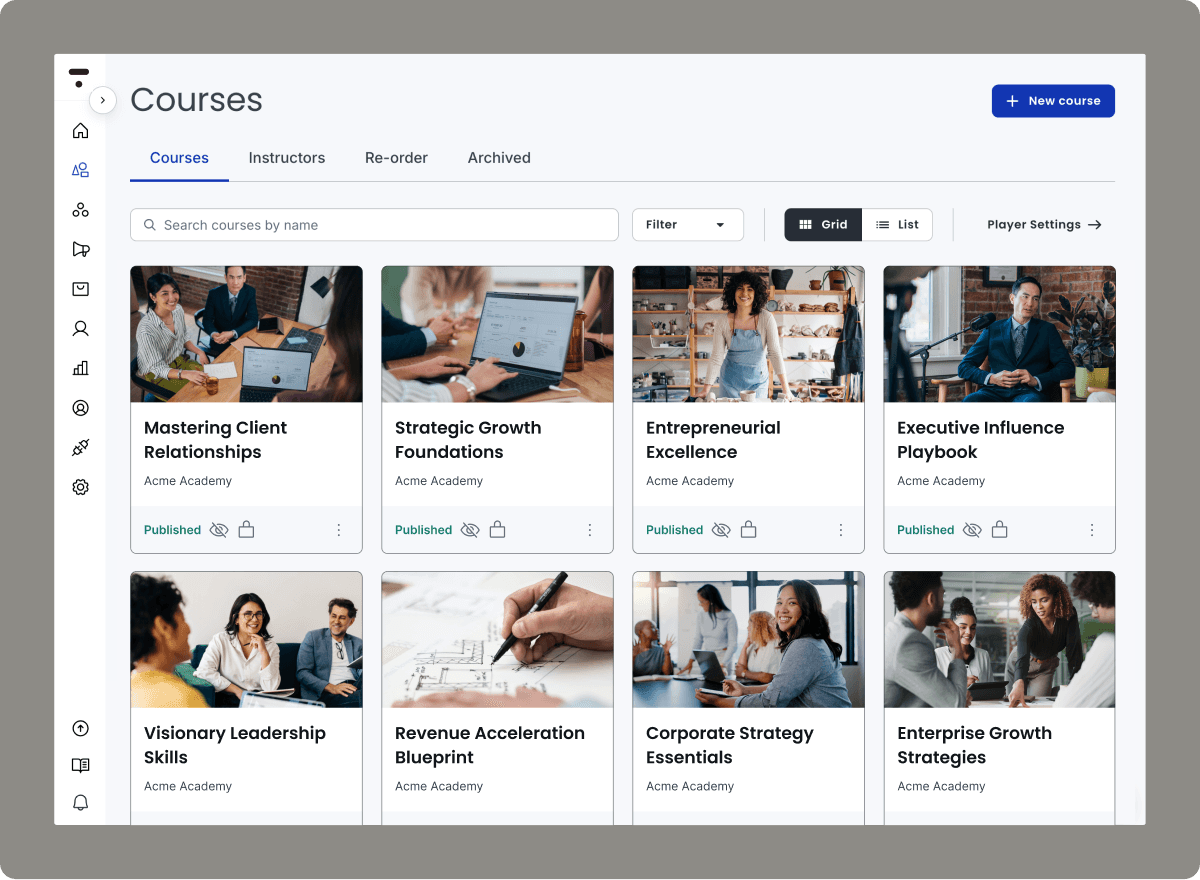
Short description: Thinkific is best known as a platform for creating and selling courses, but it can also work as a lightweight LMS for training, especially for external audiences.
Pricing overview:
Free plan available (limited)
Paid plans unlock more “LMS-like” features
Best for:
Creators, coaches, and businesses training customers/partners (or monetizing training).
Pros:
Great authoring experience and site-building tools
Strong for monetization and external users
Easy to launch and manage
Cons:
Not designed primarily for internal corporate L&D
SCORM support may require workarounds/integrations
Advanced admin/reporting may not match classic LMS tools
6) SC Training (formerly EdApp)
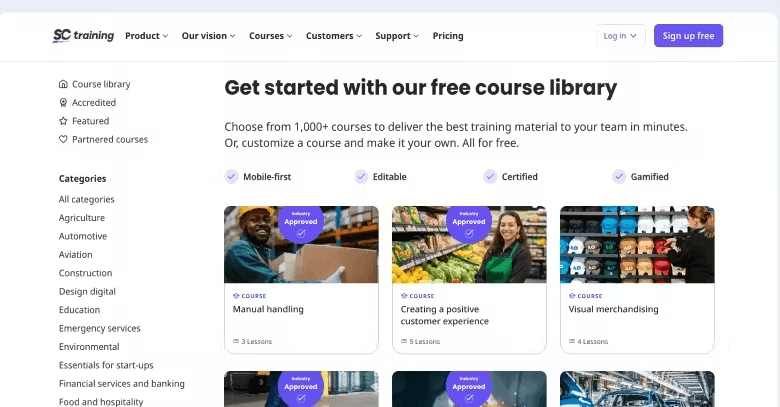
Short description: SC Training is a mobile-first microlearning platform designed for fast lessons, quizzes, and engagement.
Pricing overview:
Free plan available (often limited by features/users)
Paid tiers for teams and advanced needs
Best for:
Frontline teams, mobile learning, and short “bite-sized” training.
Pros:
Great mobile experience
Fast course creation for microlearning
Gamification and engagement tools
Cons:
Mobile-first may not fit desktop-heavy teams
Some organizations want more structured course depth
Reporting and assignments may feel different vs classic LMS
7) Zoho Learn
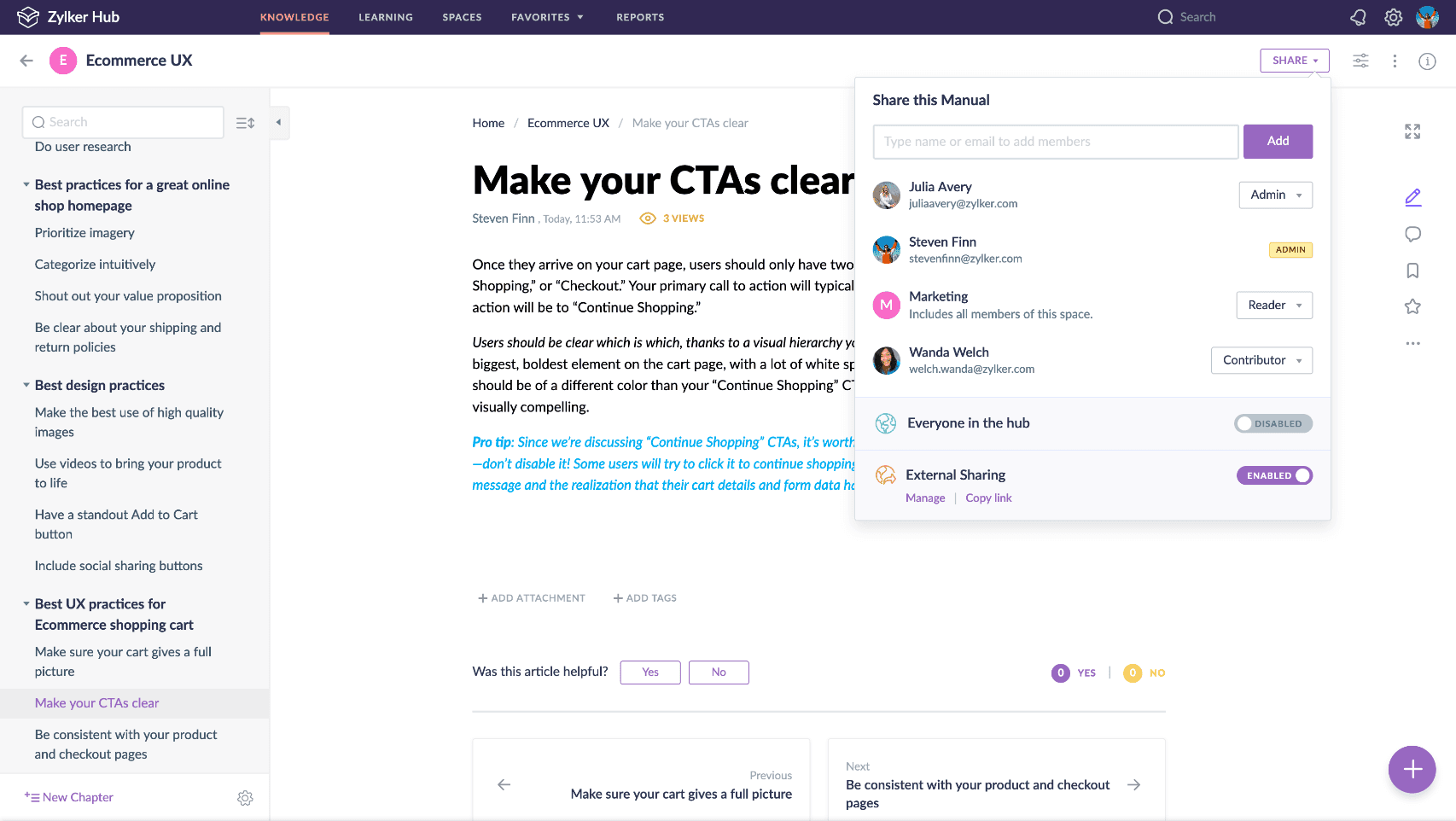
Short description: Zoho Learn combines training and knowledge base features, and it’s especially attractive if your company already uses Zoho’s ecosystem.
Pricing overview:
Free plan (limited)
Very low-cost per-user paid plans
Best for:
Budget-conscious teams that want simple training + internal knowledge sharing.
Pros:
Integrates nicely if you already use Zoho
Useful knowledge base
Cons:
Free tier is often too limited for real rollouts
Advanced LMS needs may outgrow it
Not always the best for complex training architectures
8) LearnDash (WordPress Plugin)
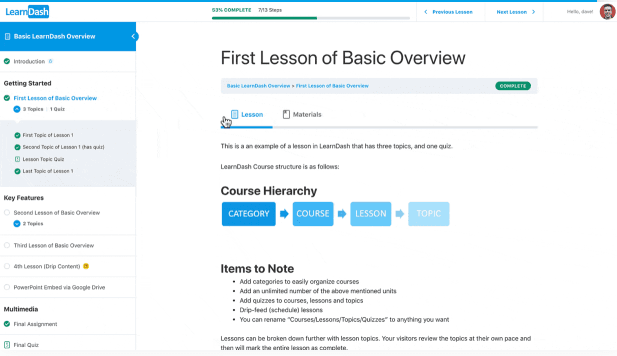
Short description: LearnDash is a WordPress plugin that turns a WordPress site into an LMS. It’s popular because you “own” the platform, but it’s only as simple as your WordPress setup.
Pricing overview:
Paid annual license
Additional costs: hosting, WordPress setup, plugins, maintenance
Best for:
Teams already comfortable with WordPress who want full control over branding and site experience.
Pros:
High control and customization (within WordPress)
Strong ecosystem of add-ons
Good for course selling and portals
Cons:
Not truly plug-and-play if you’re not technical
SSO, reporting, and integrations may require extra plugins
Maintenance and security updates are ongoing
AI-Powered LMS Platforms: Why This Category Is Growing
The biggest limitation of many cheap LMS tools isn’t the course player—it’s the time it takes to create training people actually benefit from.
That’s why AI-powered platforms are increasingly attractive when you search for an inexpensive LMS. They can reduce the real cost of training by cutting:
Content creation hours
Manager coaching repetition
Slow onboarding ramp time
The “we’ll build it later” backlog
FAQ: Inexpensive LMS (Cheap LMS / Low Cost LMS)
What is the cheapest LMS?
Open-source platforms can be the cheapest in software cost, but your real cost includes hosting, setup, and maintenance.
Is Moodle really free?
The software is free, but most organizations still pay in time or hosting/support services to run it reliably.
What is the best LMS for small business?
It depends on your needs: Deelan is a common pick for classic SMB training/
Can you get an LMS under $100 per month?
Yes, some tools offer starter tiers under $100/month, but you’ll want to check user limits, reporting, and whether key features (like SSO or integrations) require upgrades.
Built for Small Teams
If you’re a startup or small business without a dedicated L&D department, Deelan was designed for you.
👉 Book a live walkthrough and see how quickly your existing documents, scripts, and recordings can become adaptive training.