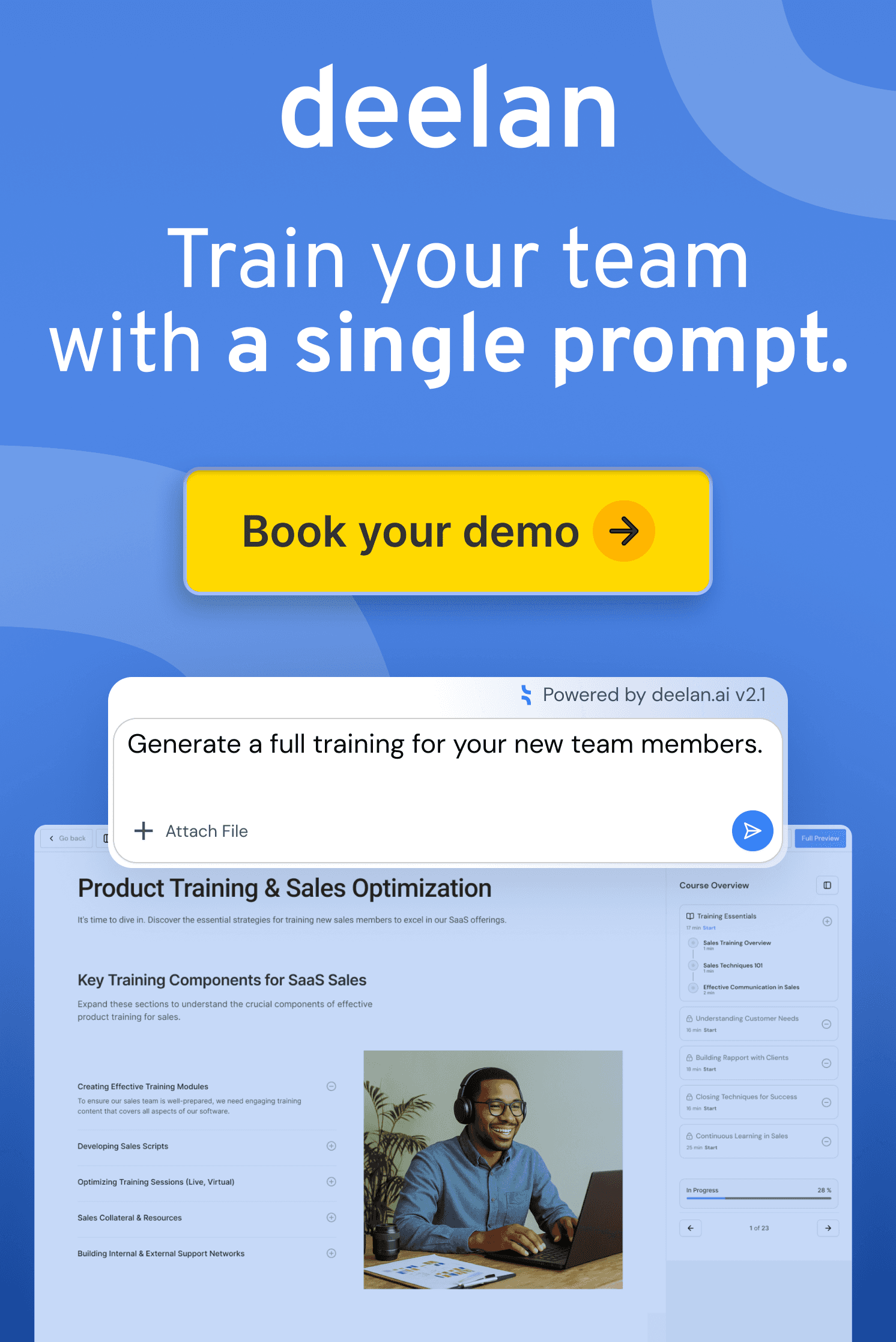
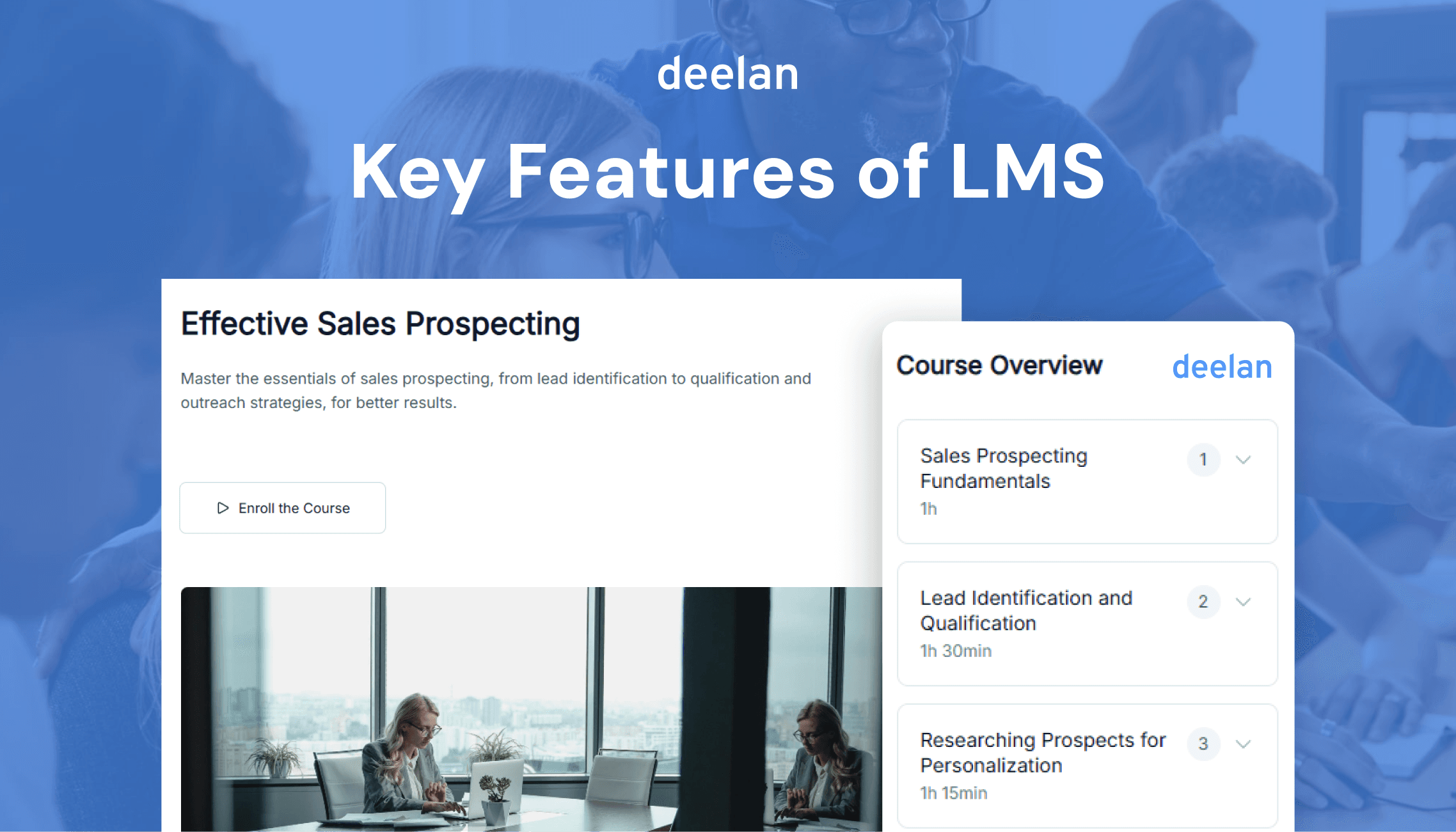
A good LMS is not defined by the number of features it offers. It is defined by whether those features help people learn faster, perform better, and spend less time managing training.
Quick LMS Features Checklist
Feature | Why It Matters |
|---|---|
Build and manage learning content | |
Measure knowledge and skills | |
Learning Paths | Create structured development journeys |
Track progress and outcomes | |
Automation | Reduce administrative work |
Integrations | Connect training with business tools |
Knowledge Base | Provide answers when employees need them |
Mobile Learning | Support remote and field teams |
Role-Based Access | Control permissions and visibility |
Certifications | Verify learning completion |
Support instructor-led training | |
Practice real-world scenarios | |
Adaptive Learning | Personalize learning experiences |
Notifications & Reminders | Improve completion rates |
Security & Compliance | Protect organizational data |
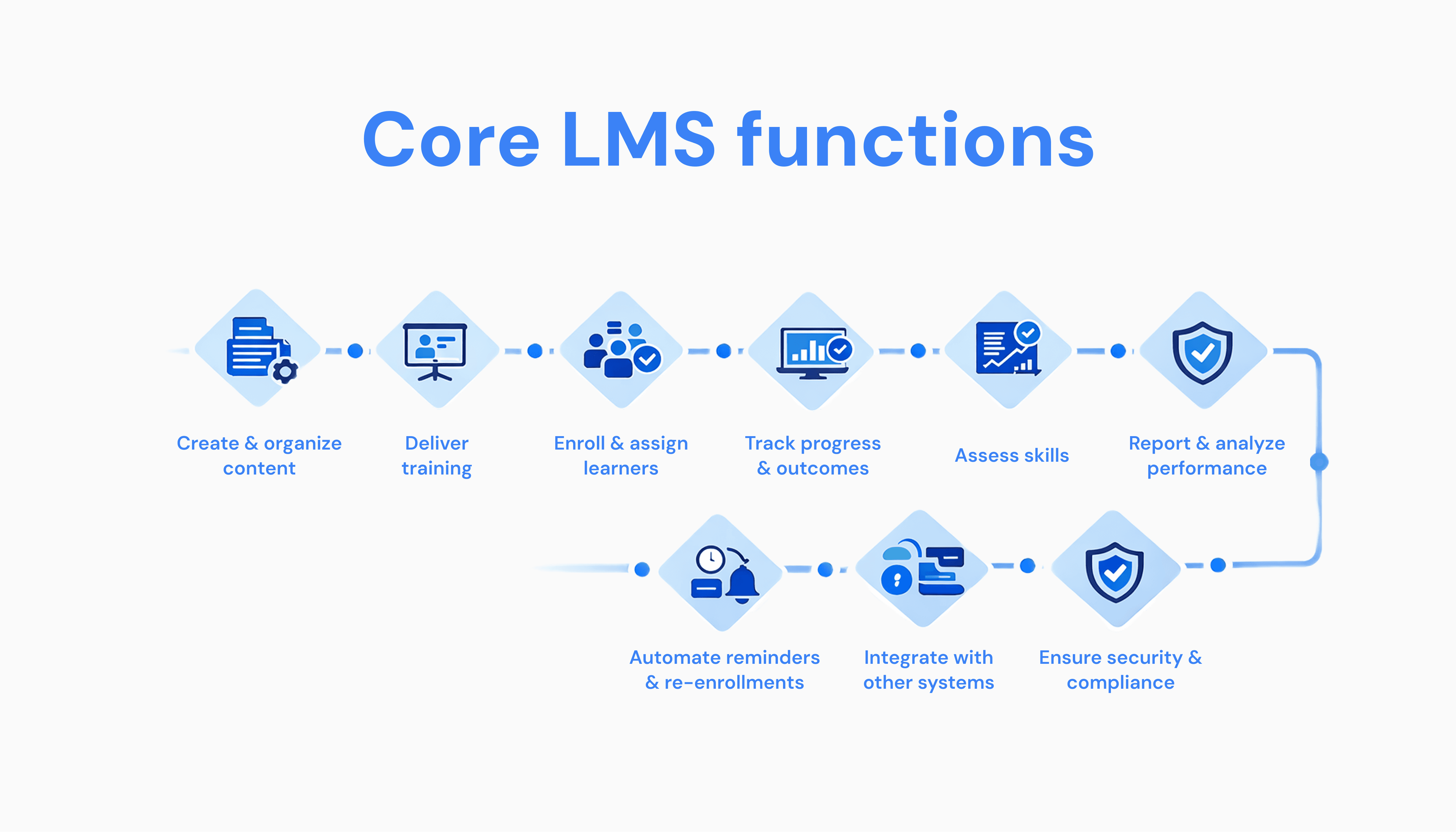
Core LMS functions
At its foundation, an LMS should:
Create & organize content (courses, modules, learning paths)
Deliver training (self-paced or instructor-led)
Enroll & assign learners (by role, team, or automation)
Track progress & outcomes (completion, scores, certifications)
Assess skills (quizzes, simulations, exams)
Report & analyze performance (dashboards, exports, scheduled reports)
Automate reminders & re-enrollments
Integrate with other systems (CRM, HRIS, SSO, call tools)
Ensure security & GDPR compliance
Most platforms stop at “delivery + tracking.” Modern revenue teams need much more.
15 LMS Features That Matter Most
1. Course Creation
Whether you're onboarding employees, delivering compliance training, or teaching product knowledge, your LMS should allow teams to build learning content without relying on developers or external agencies.
Best for: HR, L&D, Enablement, Operations
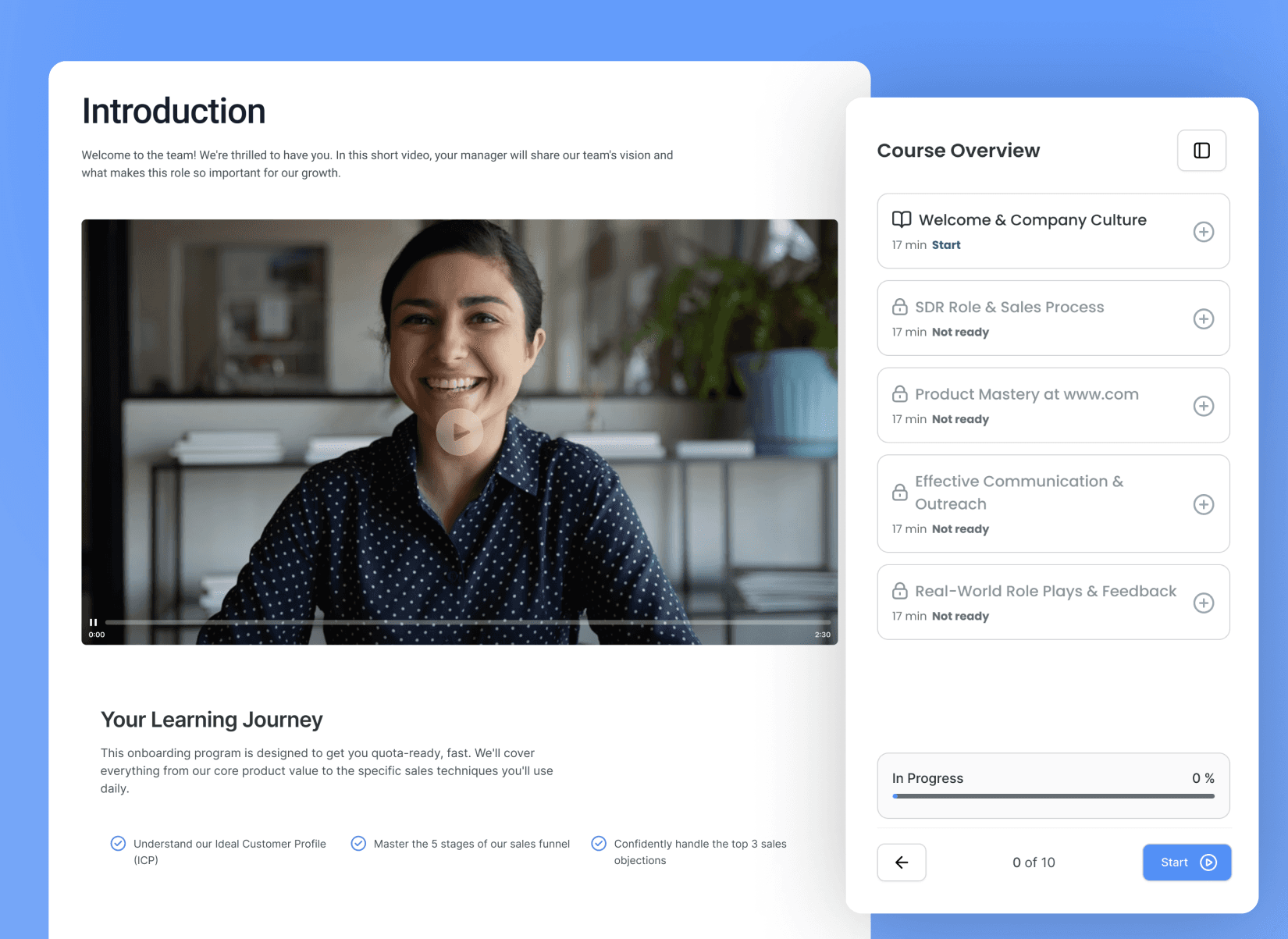
2. Learning Paths
Employees rarely need a single course.
They need structured journeys that guide them through onboarding, certification, leadership development, or role-specific skills.
Learning paths help organizations create consistency across teams.
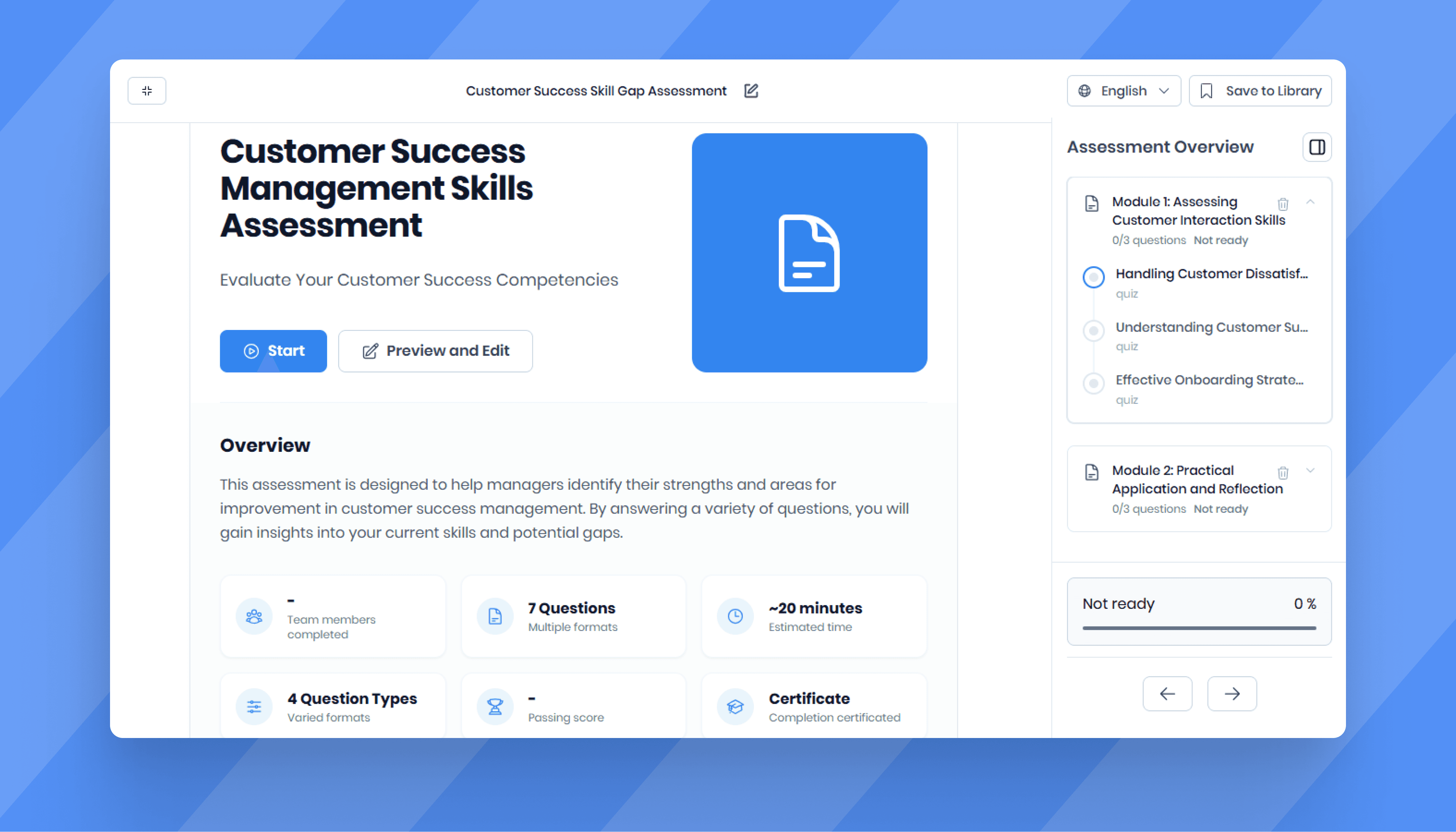
3. Assessments
Assessments help organizations verify knowledge, identify gaps, and ensure employees can apply what they learned.
Examples include:
Quizzes
Exams
Scenario-based questions
Certifications
Best for: Compliance, onboarding, sales enablement
4. Reporting and Analytics
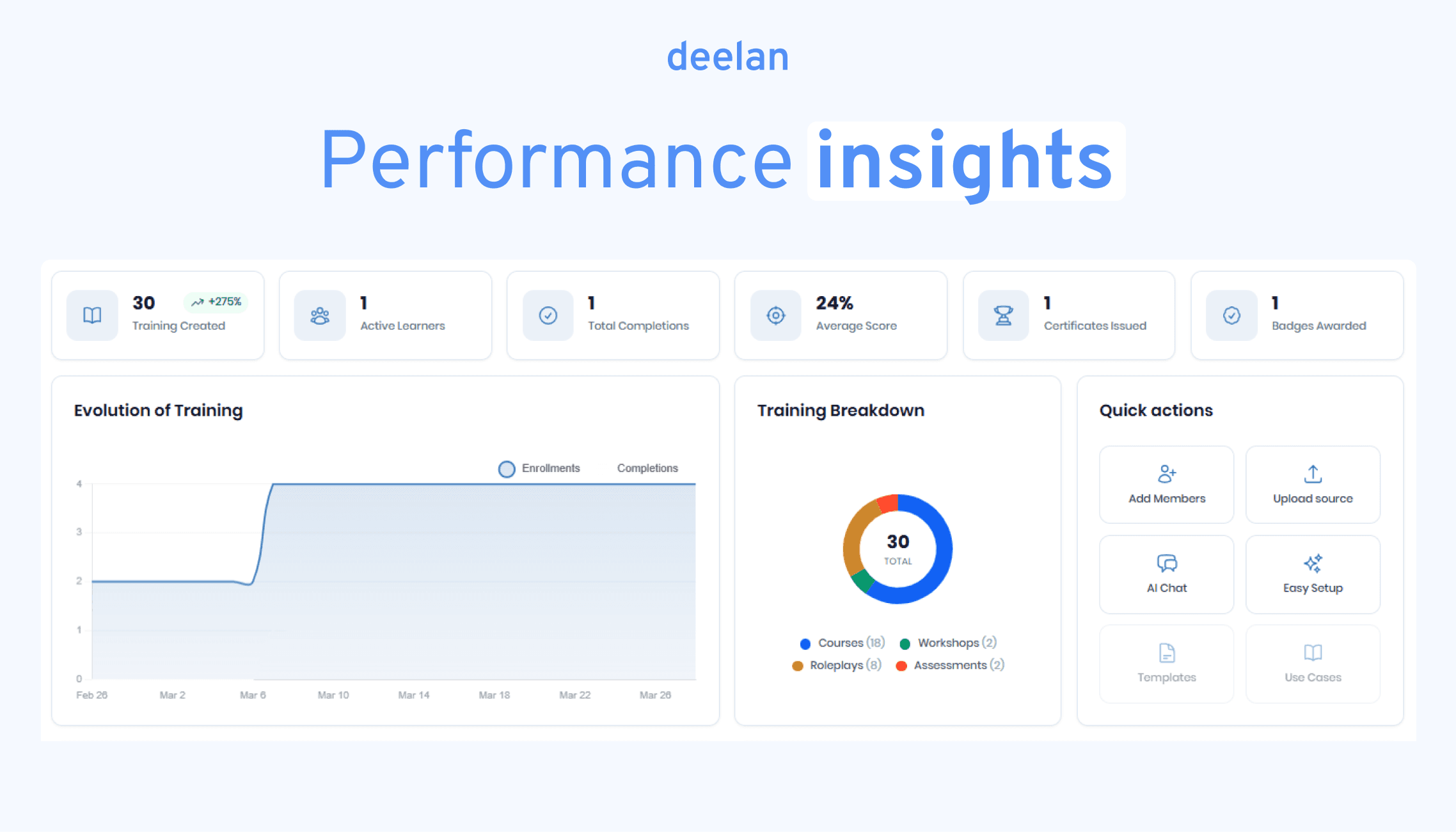
Who completed training?
Where are learners struggling?
Which programs drive results?
The best LMS platforms move beyond completion rates and provide performance insights.
5. Automation
Training administration can quickly become overwhelming.
Automation reduces manual work by handling:
Enrollment
Reminders
Certifications
Re-certification workflows
Progress notifications
This becomes especially important as organizations grow.
6. Integrations
LMS platforms should connect with:
HR systems
CRM platforms
Communication tools
Single Sign-On providers
Call recording tools
Integrations reduce duplicate work and improve data consistency.
7. Knowledge Bases
Employees often need answers in the middle of work.
A searchable knowledge base helps people find information without opening multiple systems or waiting for support.
This is especially valuable for customer-facing teams.
8. Mobile Learning
Employees increasingly learn from different locations.
A responsive LMS allows learners to access content from phones, tablets, and laptops without sacrificing usability.
Important for:
Field teams
Retail teams
Remote employees
Distributed organizations
9. Role-Based Access
Different groups require different permissions.
Managers, administrators, trainers, and learners should not see the same information.
Role-based access helps maintain security and simplify administration.
10. Certifications
Many organizations need proof that training has been completed.
Certification capabilities help track compliance requirements, internal qualifications, and professional development programs.
Common in:
Healthcare
Financial services
Insurance
Government
Manufacturing
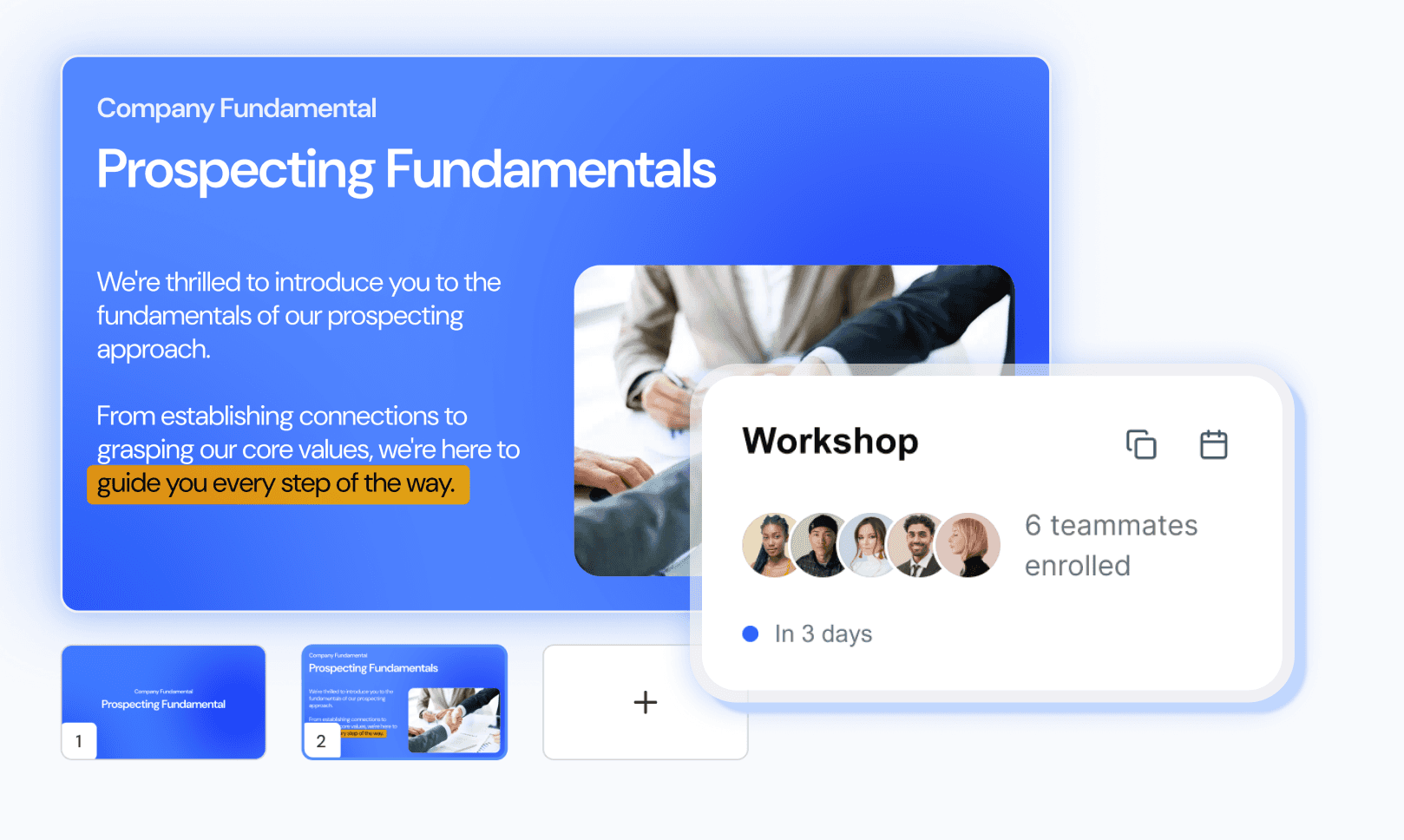
11. Workshops and Instructor-Led Training
Not all learning happens asynchronously.
Many organizations still rely on workshops, coaching sessions, and instructor-led programs.
An LMS should help schedule, manage, and track these experiences alongside self-paced learning.
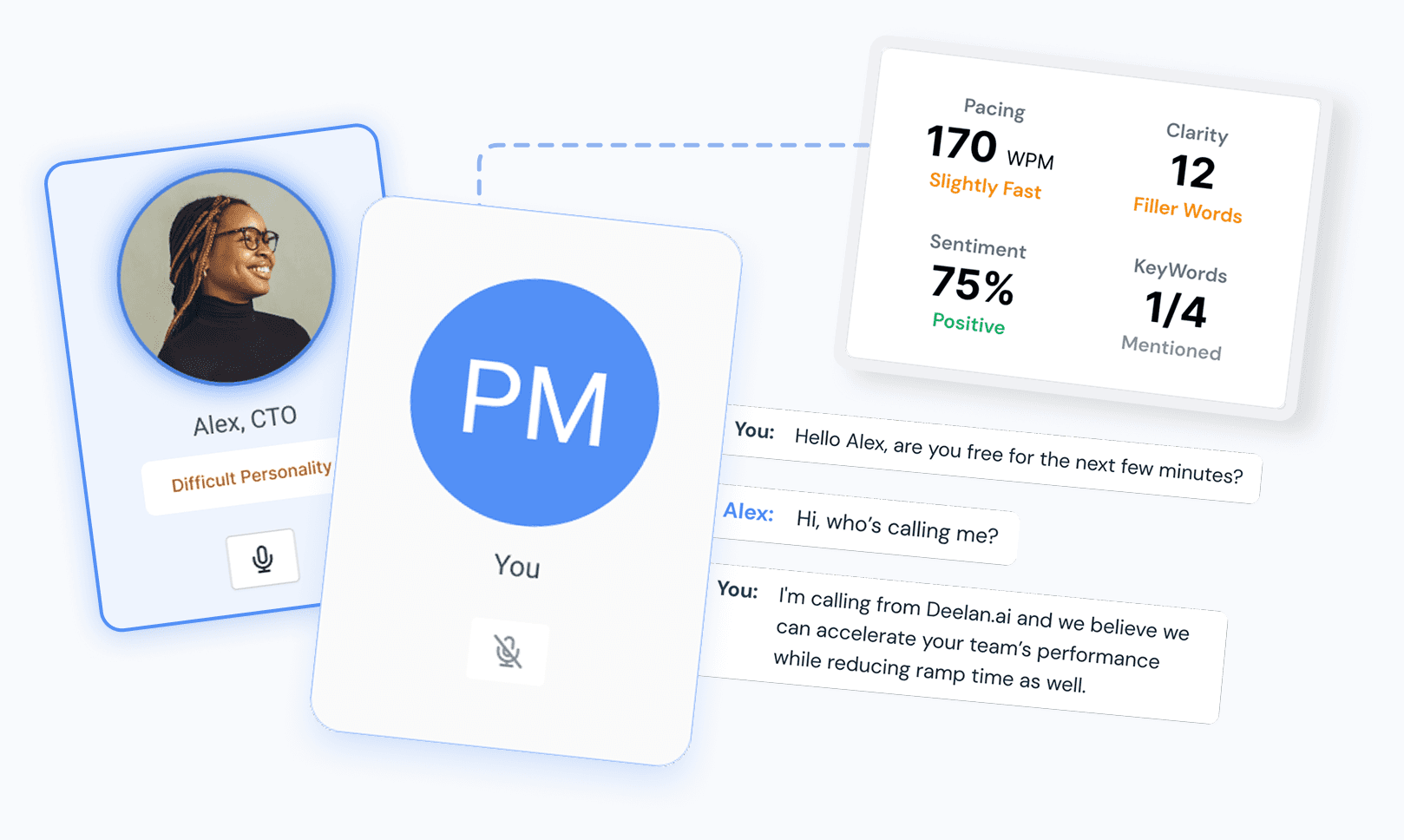
12. AI Roleplays and Scenario Practice
One of the biggest shifts in workplace learning is moving from knowledge consumption to skill development.
Reading about a conversation is different from having one.
AI roleplays allow learners to practice realistic situations such as:
Sales conversations
Customer support scenarios
Manager feedback discussions
Compliance situations
Negotiation exercises
For example, a new sales representative can practice objection handling before speaking with real prospects. A manager can practice difficult employee conversations in a safe environment.
13. Adaptive Learning
Not every learner starts at the same level.
Adaptive learning adjusts content based on:
Role
Experience
Skill gaps
Previous performance
This creates a more personalized learning experience and reduces unnecessary training.
14. Notifications and Reminders
Even great training fails when nobody completes it.
Automated reminders help organizations improve participation and maintain certification compliance.
15. Security and Compliance
Training platforms often contain sensitive company information.
Look for features such as:
Single Sign-On
User permissions
GDPR compliance
Audit trails
Data encryption
Security should be part of every LMS evaluation process.
LMS Functionality Checklist by Use Case
Here’s how learning management system features should align to revenue roles.
SDR / BDR Onboarding
Top 5 features:
AI-generated onboarding courses
Objection-handling roleplays
Adaptive learning paths
Automated certification
Ramp time analytics
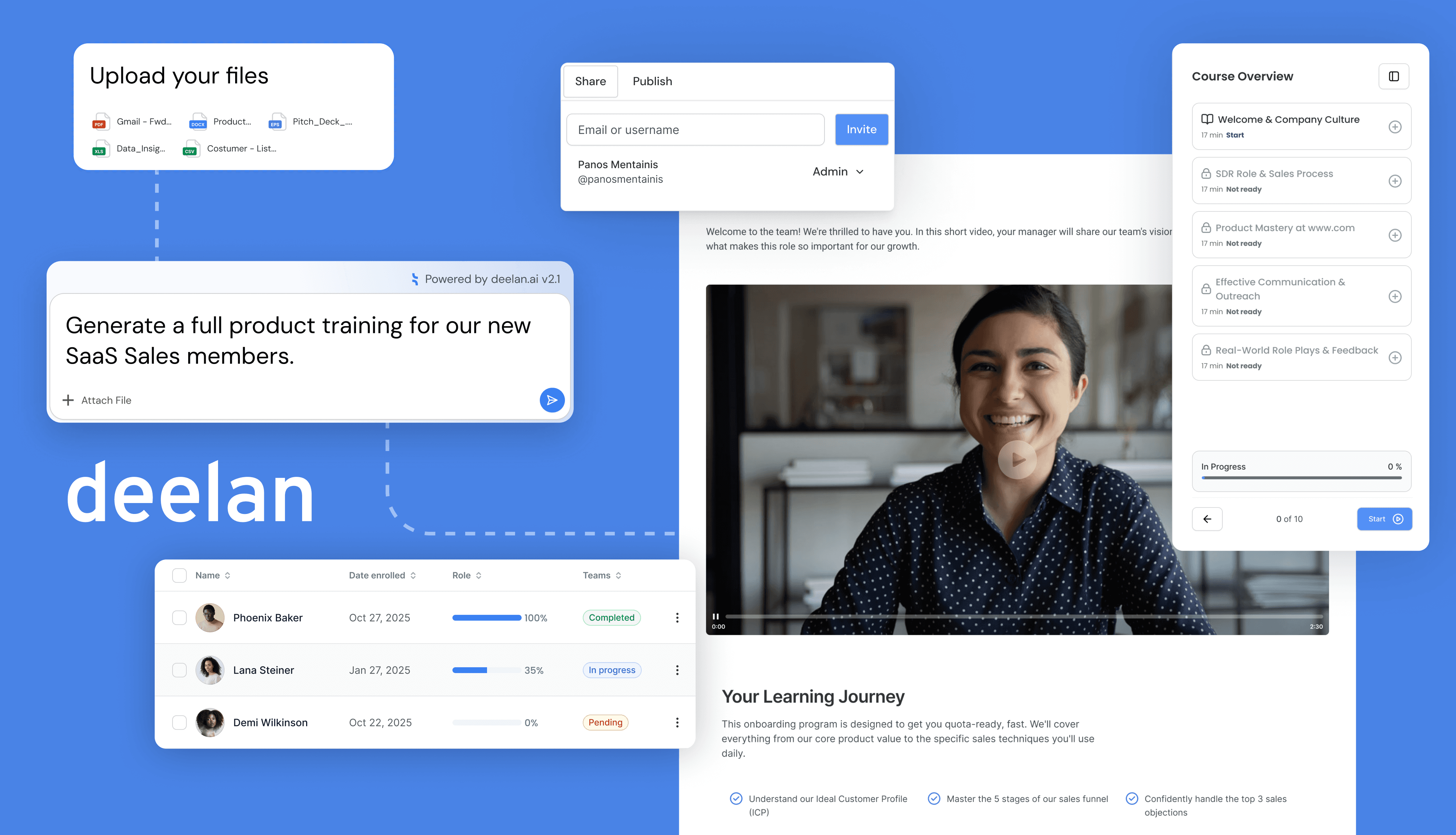
Scenario: A new SDR uploads messaging scripts → system generates discovery training → AI roleplays simulate objections → readiness score predicts call performance.
AE Enablement
Top 5 features:
Demo practice simulations
Advanced product modules
CRM integration
Performance-linked reporting
Coaching feedback loops
Scenario: Underperforming AE gets targeted demo training based on low win rate segment.
Customer Success Training
Top 5 features:
Renewal & upsell simulations
Objection pathways
Workshop modules
Knowledge base search
Multilingual access
Sales Managers (Coaching at Scale)
Top 5 features:
Skill gap dashboards
Automated reporting
Roleplay review tools
Certification tracking
Re-enrollment automation
Managers should scale coaching without repeating the same feedback.
Enablement & RevOps
Top 5 features:
Rapid training creation
CRM data sync
Workflow automation
Version control
Scheduled reports
Admin experience matters as much as learner experience.
Deelan: The AI-Native Alternative to Generic LMS Platforms
Most platforms deliver content. Deelan turns playbooks into performance.
From Playbooks to Performance (4 Steps)
Upload scripts, docs, call recordings
AI generates structured training modules
Adaptive paths personalize learning
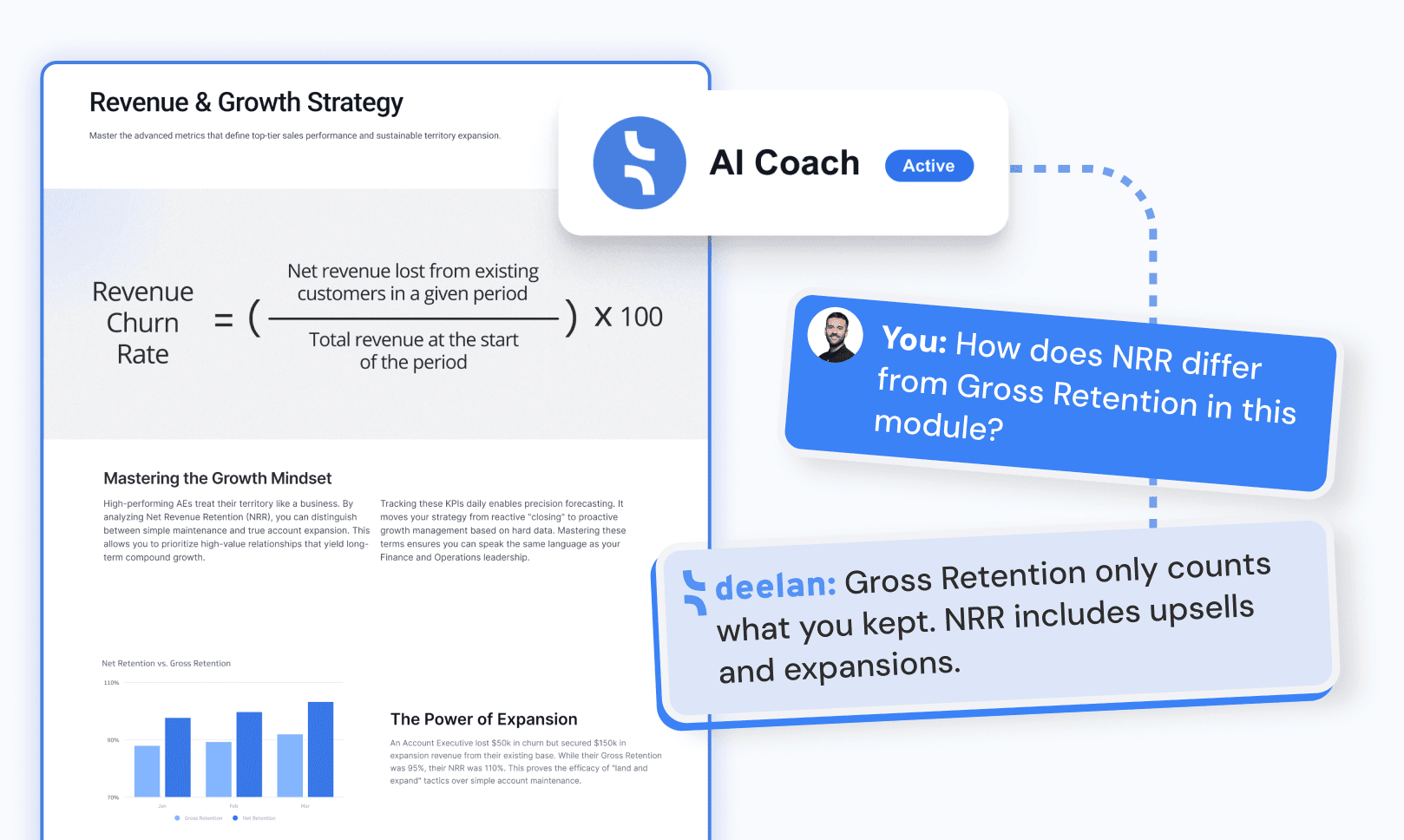
AI Coach drives ongoing practice
How Deelan Modules Map to LMS Features
Courses → onboarding + product knowledge
Roleplays → objection handling, demos, negotiation
Workshops → live strategy reinforced by follow-up practice
Knowledge Base → searchable company truth
Assessments → reveal real skill gaps
Programs → structured path from onboarding to quota attainment
Adaptive paths adjust based on:
Role
Seniority
Skill gaps
Quota performance
Results seen by teams:
55% faster ramp time
15–25% higher win rates
80% faster training creation
Higher pipeline quality