Creating learning content has never been easier.
Creating learning content that employees actually complete, remember, and apply? That's still difficult.
Most organizations already have the knowledge they need to train employees: policies, SOPs, process documentation, recordings, presentations, onboarding materials, and internal expertise.
The challenge is turning that information into engaging learning experiences without spending weeks building courses manually.
That's where modern LMS content creation—and increasingly AI-powered content creation - changes the game.
In this guide, you'll learn what LMS content creation is, the different types of learning content you can build, best practices for engagement, and how AI can help you create training faster than ever.
Key Takeaways
✓ LMS content includes courses, assessments, simulations, videos, certifications, and learning paths.
✓ Effective learning content focuses on behavior change, not information delivery.
✓ Microlearning, interactive exercises, and practice-based learning improve engagement and retention.
✓ AI can reduce LMS content creation from weeks to minutes.
✓ Modern LMS platforms help teams create, update, and personalize training at scale.
Types of LMS Content You Can Create
E-Learning Courses
Structured modules that combine lessons, videos, quizzes, and exercises.
Best for:
Onboarding
Product knowledge
Compliance
Process training
Microlearning
Short lessons focused on a single concept or skill.
Best for:
Busy employees
Reinforcement learning
Continuous development
Research consistently shows that learners retain information better when content is delivered in smaller chunks rather than long training sessions.
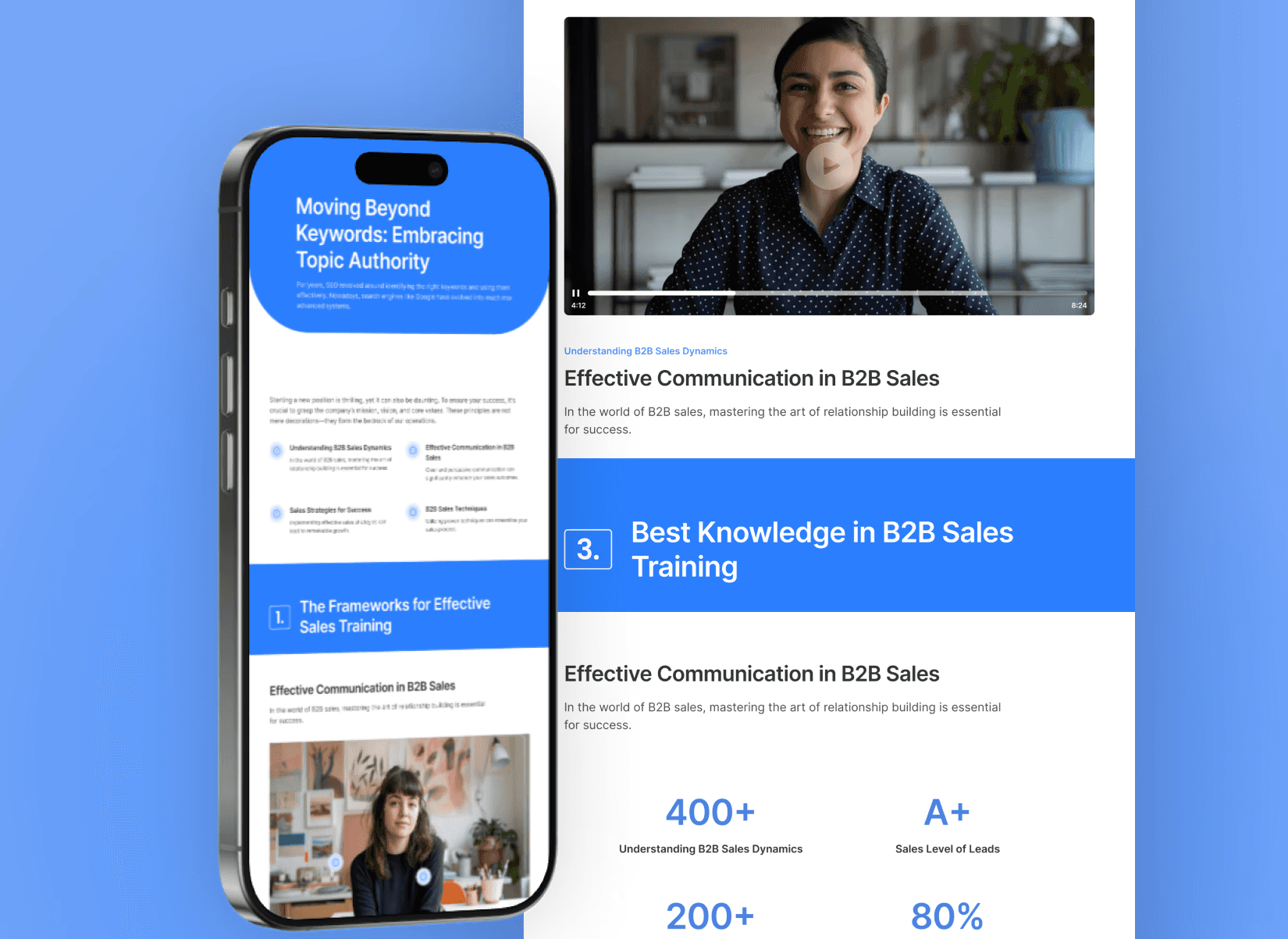
Assessments & Certifications
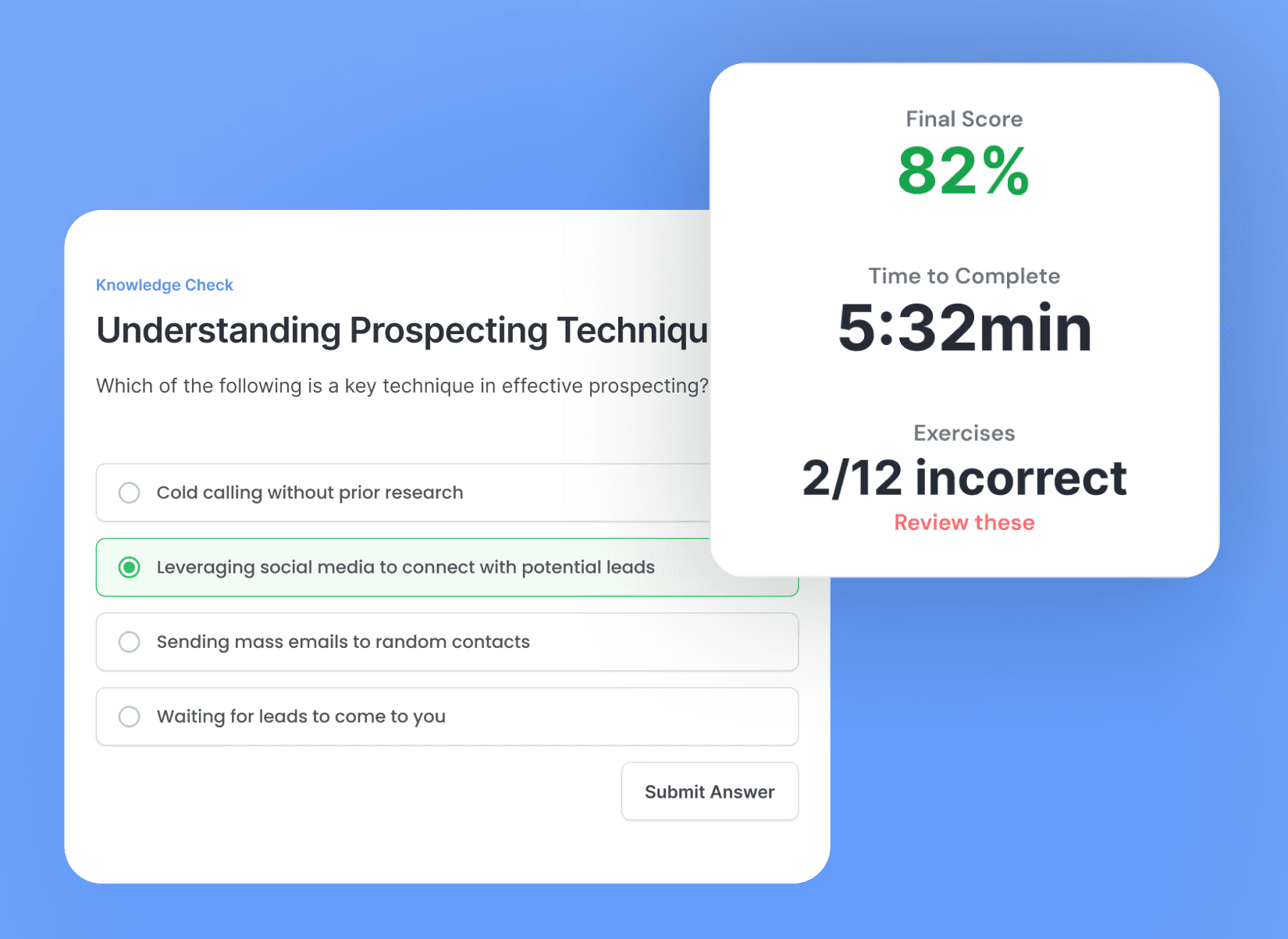
Knowledge checks that verify understanding and readiness.
Examples:
Compliance certification
Product knowledge tests
Leadership readiness assessments
The goal is not simply completion, but competency.
Simulations & Roleplays
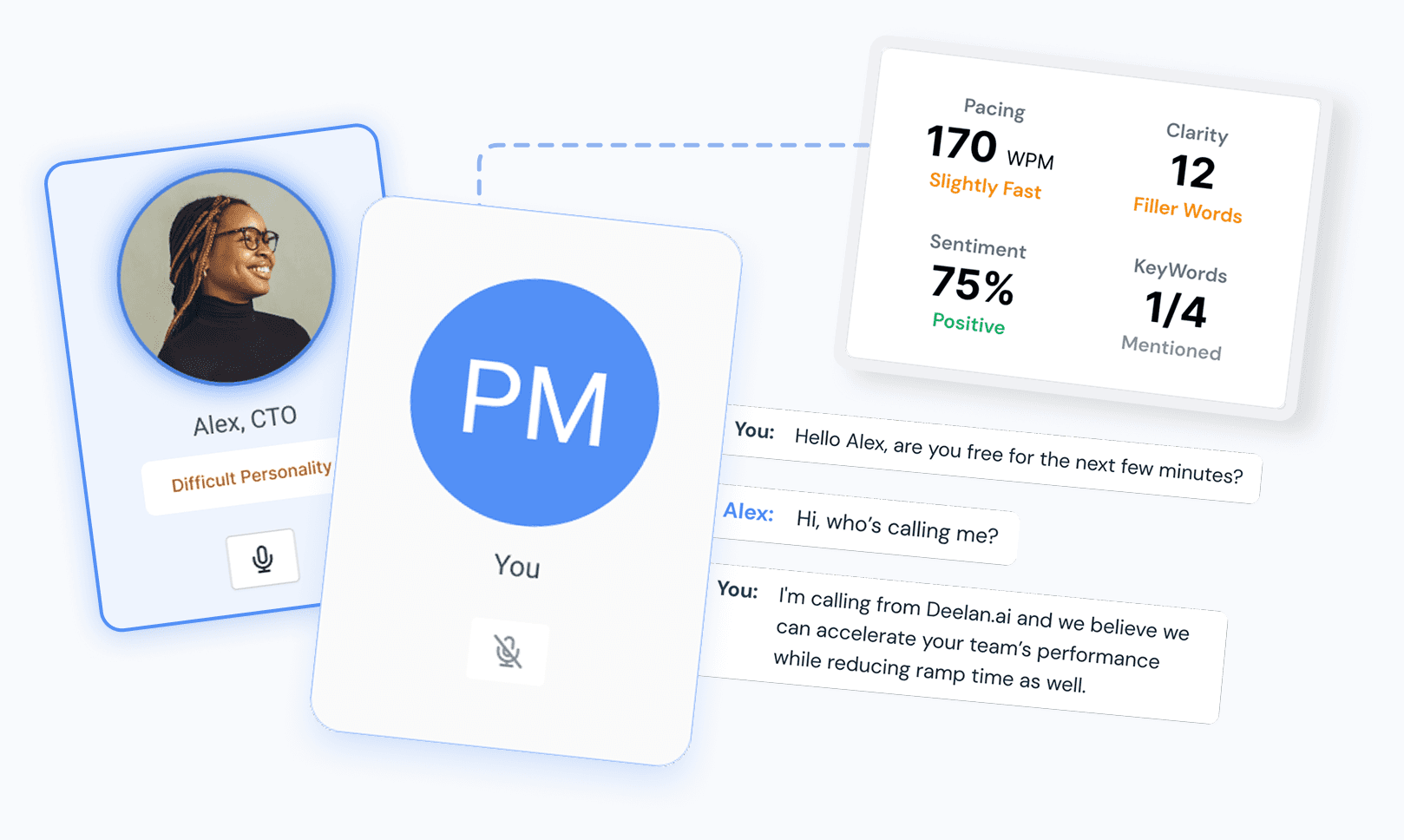
Practice-based learning experiences where employees apply knowledge in realistic scenarios.
Examples:
Customer conversations
Workplace conflict scenarios
Leadership discussions
Safety procedures
Learning by doing is often more effective than learning by reading.
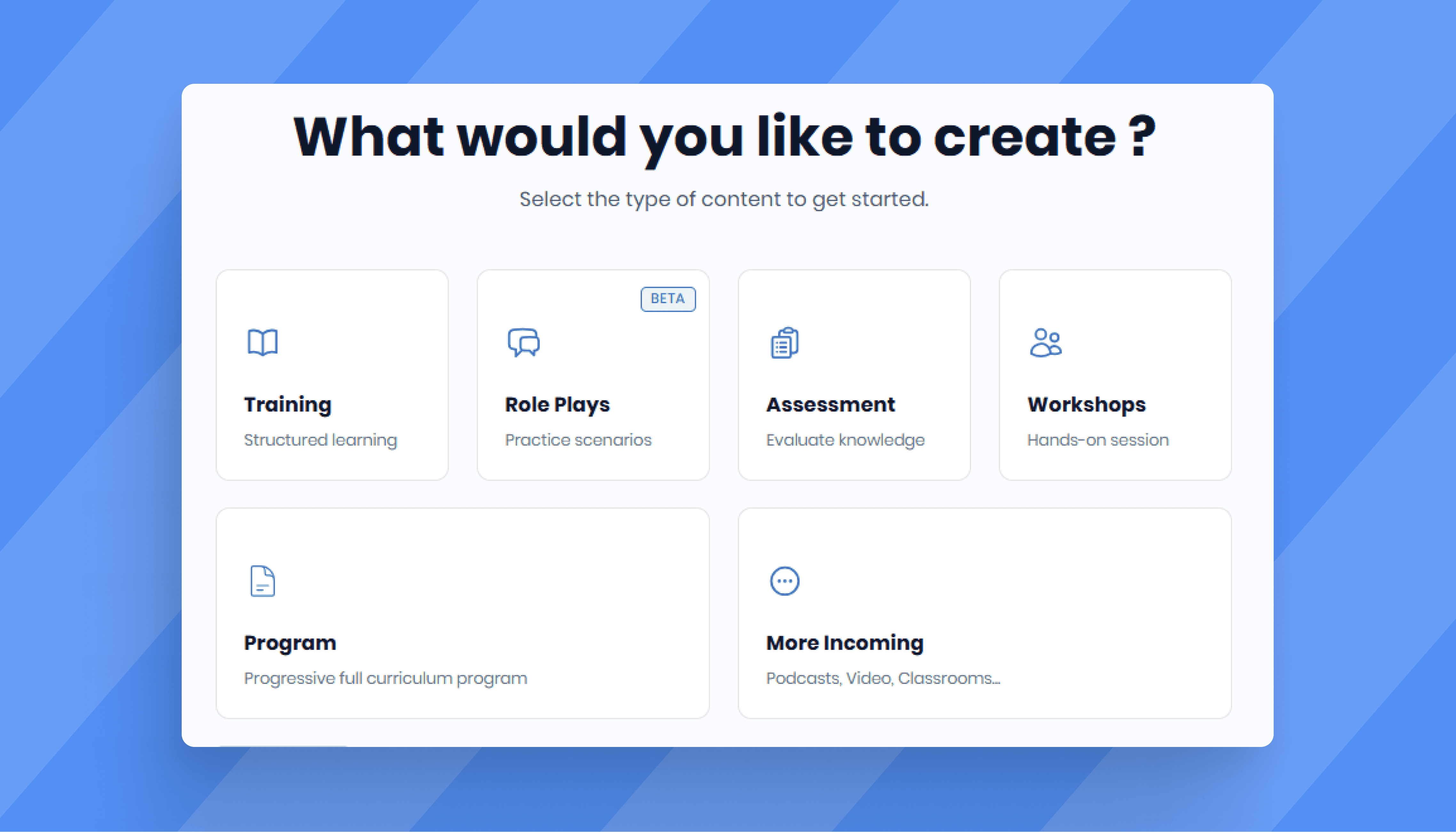
Learning Paths & Programs
A sequence of learning experiences organized around a specific goal.
Examples:
New hire onboarding
Manager development
Sales certification
Product expertise pathways
These help learners progress step by step instead of consuming disconnected content.
Best Practices for LMS Content Creation
1) Start with “performance moments,” not topics
Instead of “Product Training,” define moments like:
“Handle pricing pushback”
“Run discovery in 12 minutes”
“Deliver a clean demo narrative”
Then build content around those moments.
2) Build in practice every 3–5 minutes
Reading ≠ skill. Add:
3-question checkpoints
roleplay prompts (best for sales/CS)
3) Use one goal per module
Each module should answer:
“What should the learner do differently after this?”
4) Design for reuse: modular content blocks
Break content into reusable building blocks:
one objection
one product feature
one policy rule
Then reuse across courses and programs.
5) Match format to skill type
Knowledge → quizzes + short lessons
Communication skills → roleplays + feedback
Process → checklists + scenario walkthroughs
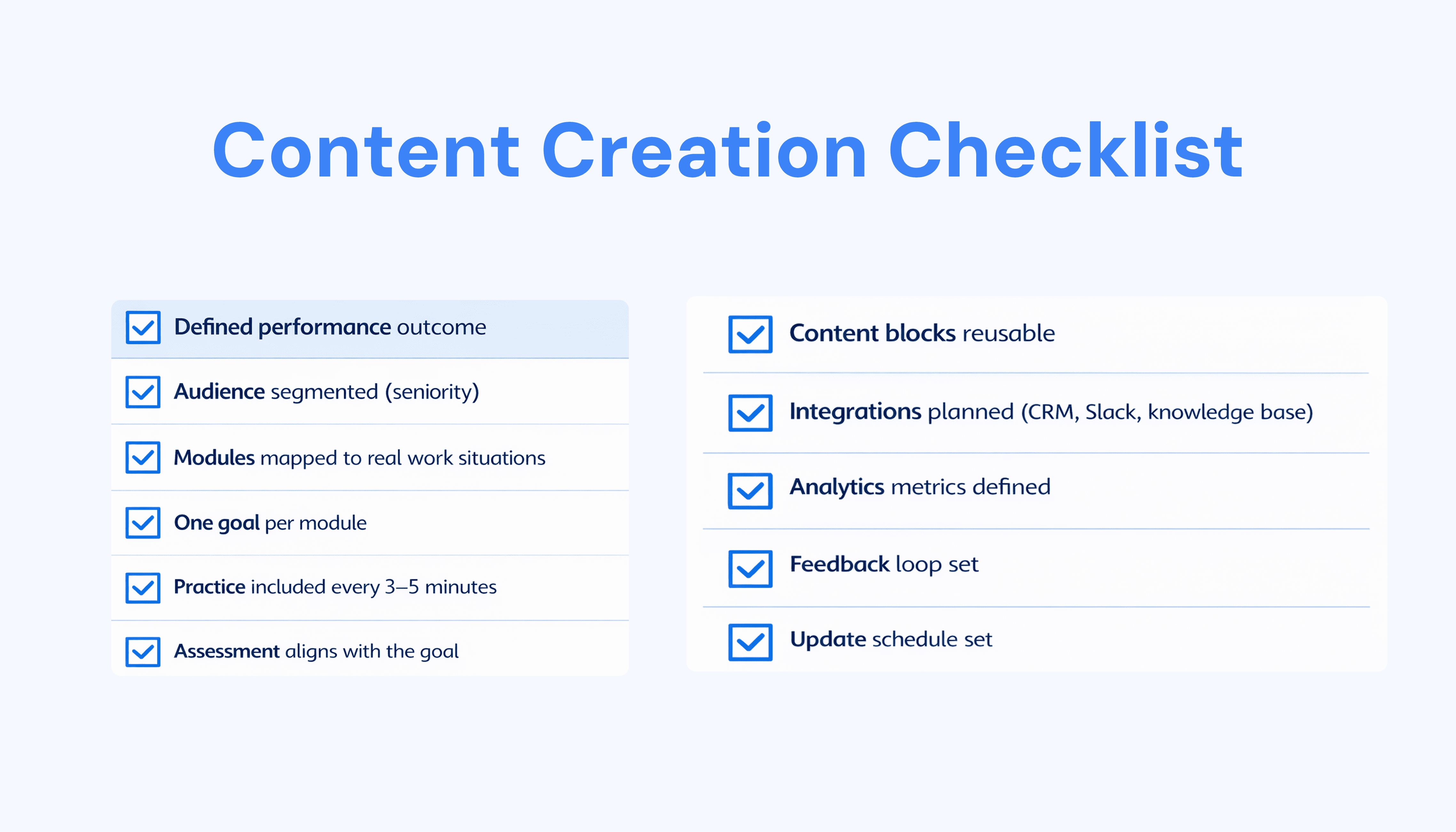
LMS Content Creation Checklist
Before publishing any training content, ask:
□ Does this training solve a real business or performance problem?
□ Is the learning objective clearly defined?
□ Are modules short and focused?
□ Does the content include interaction?
□ Can learners practice what they learned?
□ Is progress measurable?
□ Are assessments aligned with learning goals?
□ Is the content accessible on mobile devices?
□ Can it be updated easily in the future?
□ Does it provide a positive learner experience?
Content Types: Course vs Workshop vs Program vs Roleplay
Type | Best for | Time to build (typical) | Example |
|---|---|---|---|
Structured knowledge + quizzes | 1–3 hours | Product knowledge with quiz gates | |
Live training + alignment + reinforcement | 1–2 hours | New pricing rollout + follow-up drills | |
End-to-end onboarding or certification path | 2–6 hours | SDR onboarding: messaging → calls → cert | |
Conversation skills + execution | 30–90 mins | Objection handling: pricing, competitors, timing |
How AI Is Transforming LMS Content Creation
A single course could take days or weeks to complete.
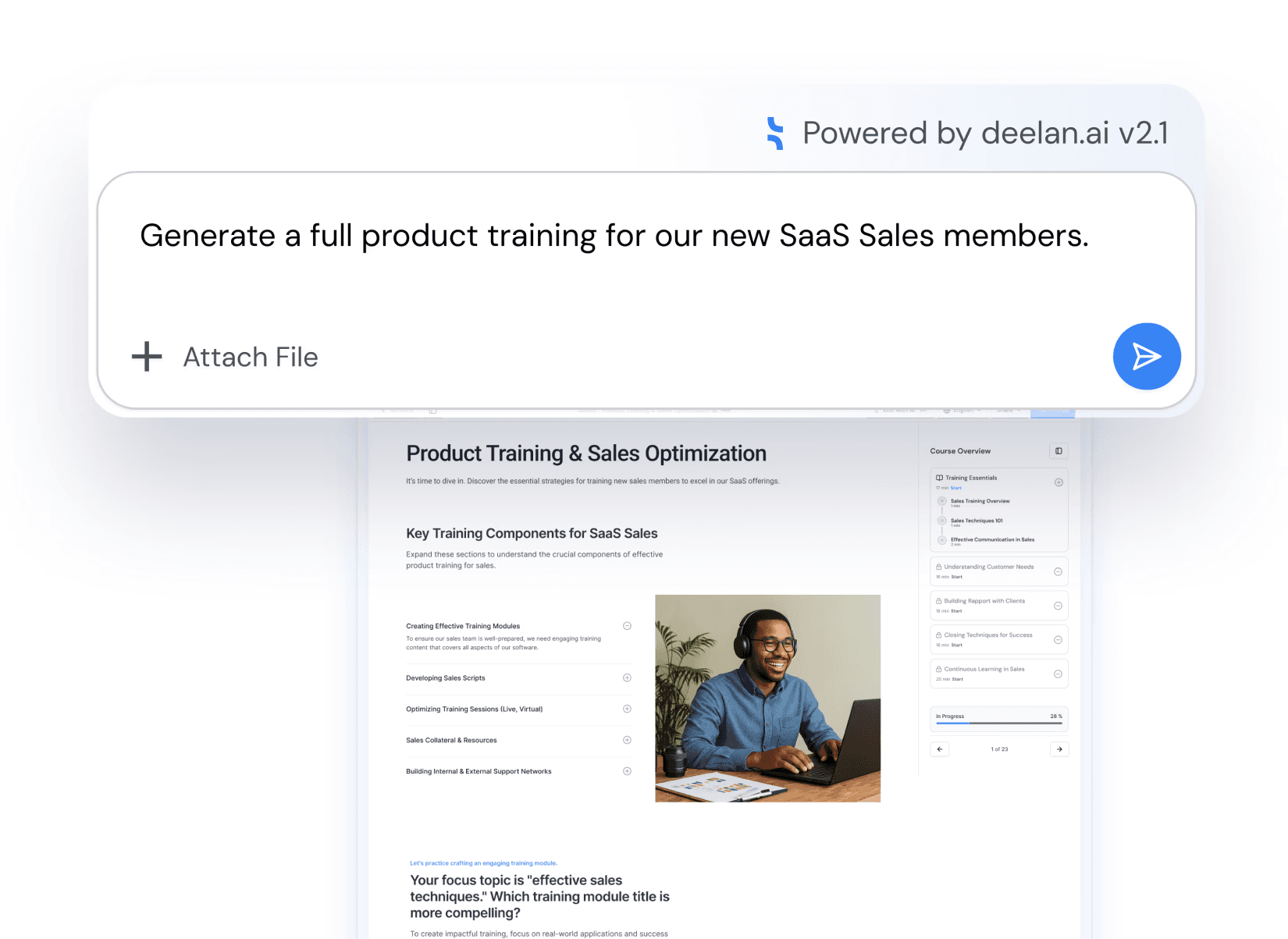
Today, AI can dramatically accelerate this process.
AI can help generate:
Courses
Assessments
Learning paths
Workshops
Simulations
Microlearning modules
This allows HR and L&D teams to spend less time building content and more time improving learning outcomes.
This allows HR and L&D teams to spend less time building content and more time improving learning outcomes
Deelan AI: Built for Speed and Performance
Deelan AI is built for modern teams that need training to ship fast and stick.
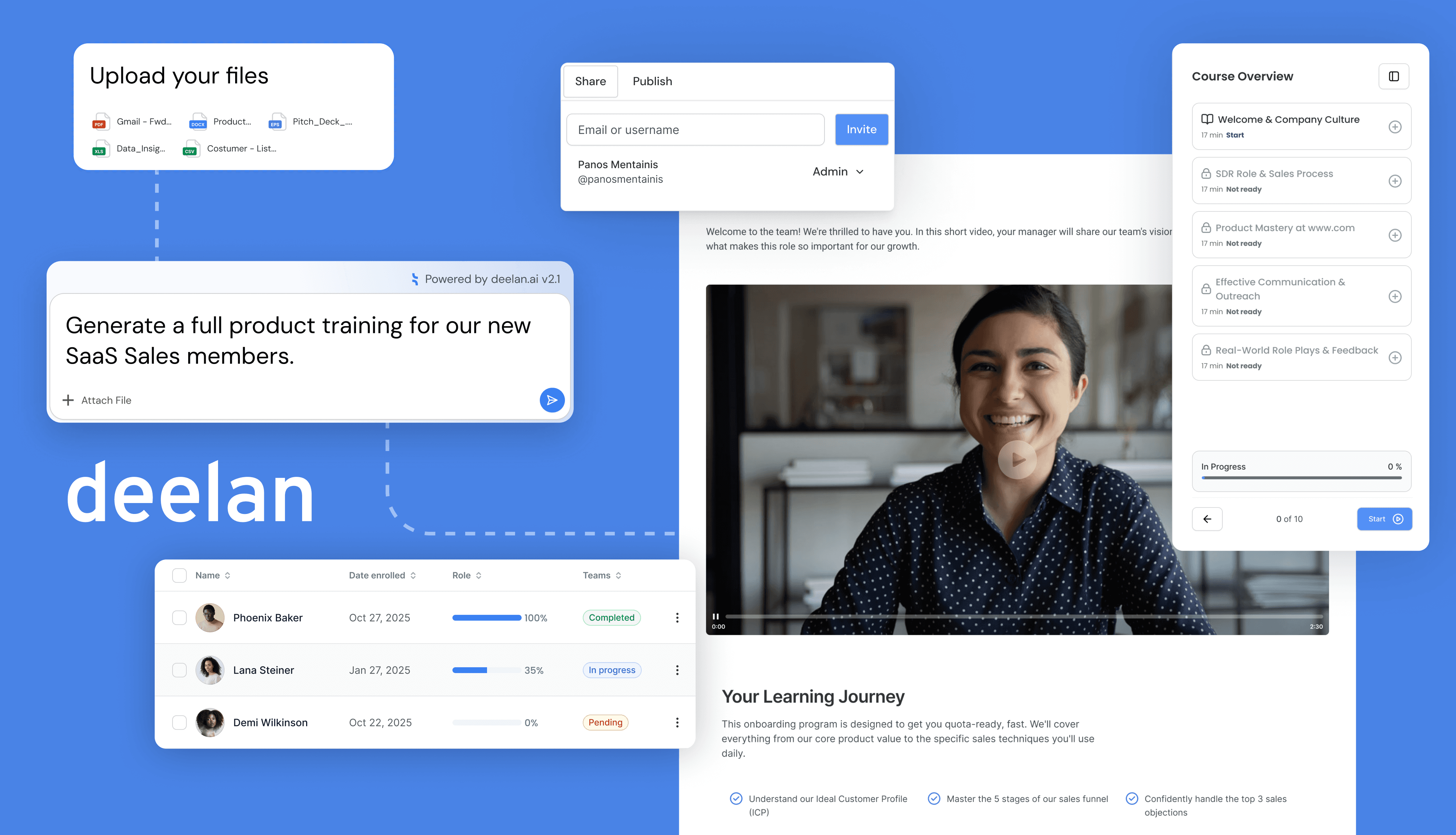
Two ways to build training (choose your workflow)
Chat-based creation: start with one prompt, generate a complete training flow
Easy Mode Builder: no prompting—fill in key inputs step-by-step using templates
Generate the content types that matter
With Deelan AI you can quickly build:
Courses with modules + quizzes
Workshops that turn strategy into action with reinforcement
Programs that structure onboarding → practice → certification
Role plays with AI audio simulations and feedback (tone, clarity, strengths, improvement points)
Adaptive learning baked in
Deelan adjusts training automatically based on:
role
seniority
performance signals
skill gaps
If your team needs training that improves performance faster, Deelan AI is designed for that.
Book a Demo to see Deelan AI turn your documents into adaptive training in minutes.