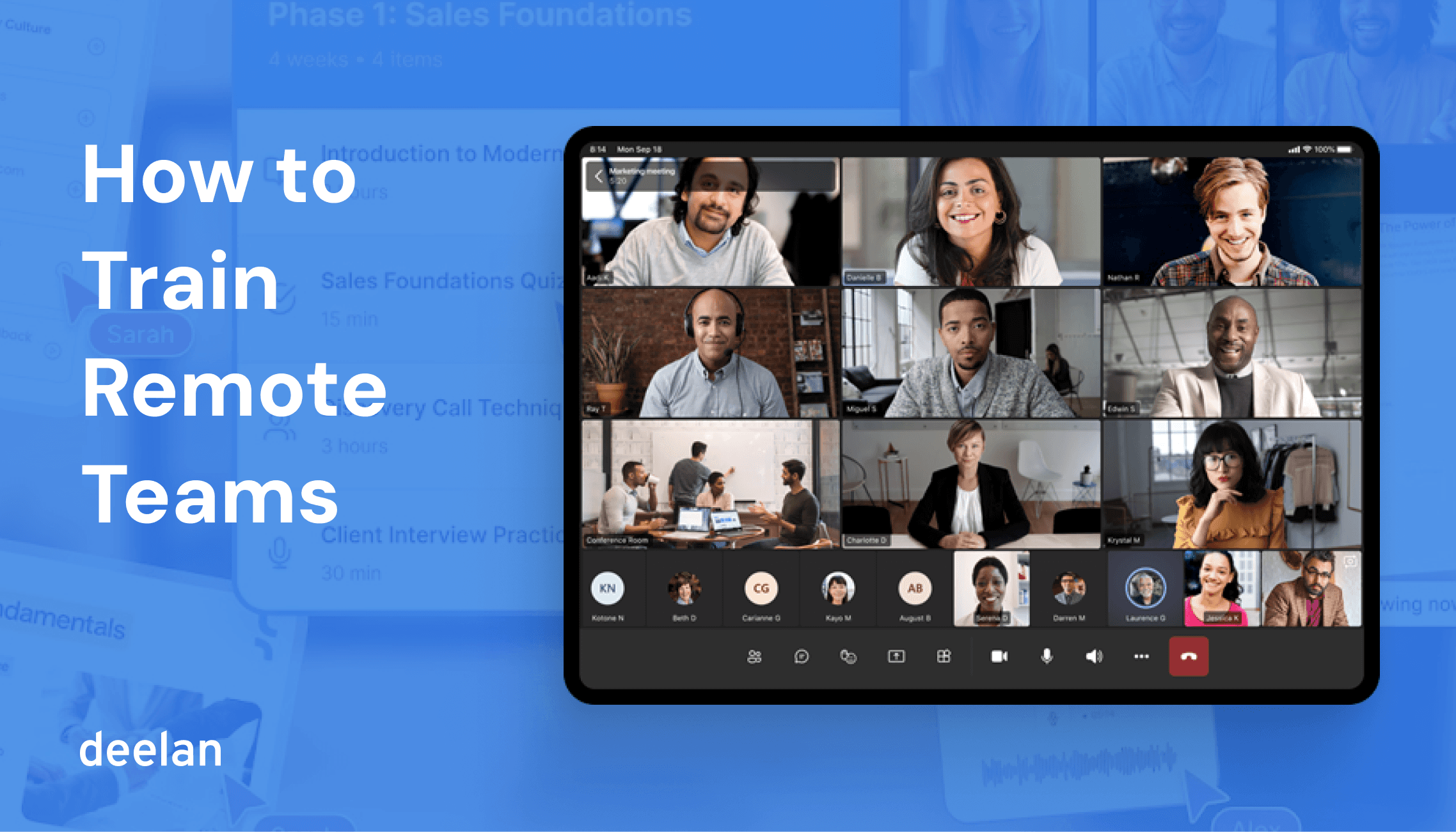
Remote training is a system for helping people learn, practice, and perform, when your workforce is distributed across time zones, home offices, and hybrid schedules. So if you’re building remote employee training, scaling remote workforce training, or improving remote sales training, the goal is - consistent skill development that actually shows up in day-to-day work.
This playbook gives you a practical framework, tools checklist, metrics, and templates you can use immediately, plus guidance for managing remote team training and managing hybrid teams training without losing engagement.
What remote training is
Remote training is any structured learning experience designed to build skills and knowledge when learners aren’t in the same physical space.
It can include onboarding, product training, compliance, customer success enablement, leadership development, and remote worker training for role-specific performance.
Modern remote team training needs three layers:
Knowledge (what to know)
Practice (how to do it)
Reinforcement (how it sticks over time)
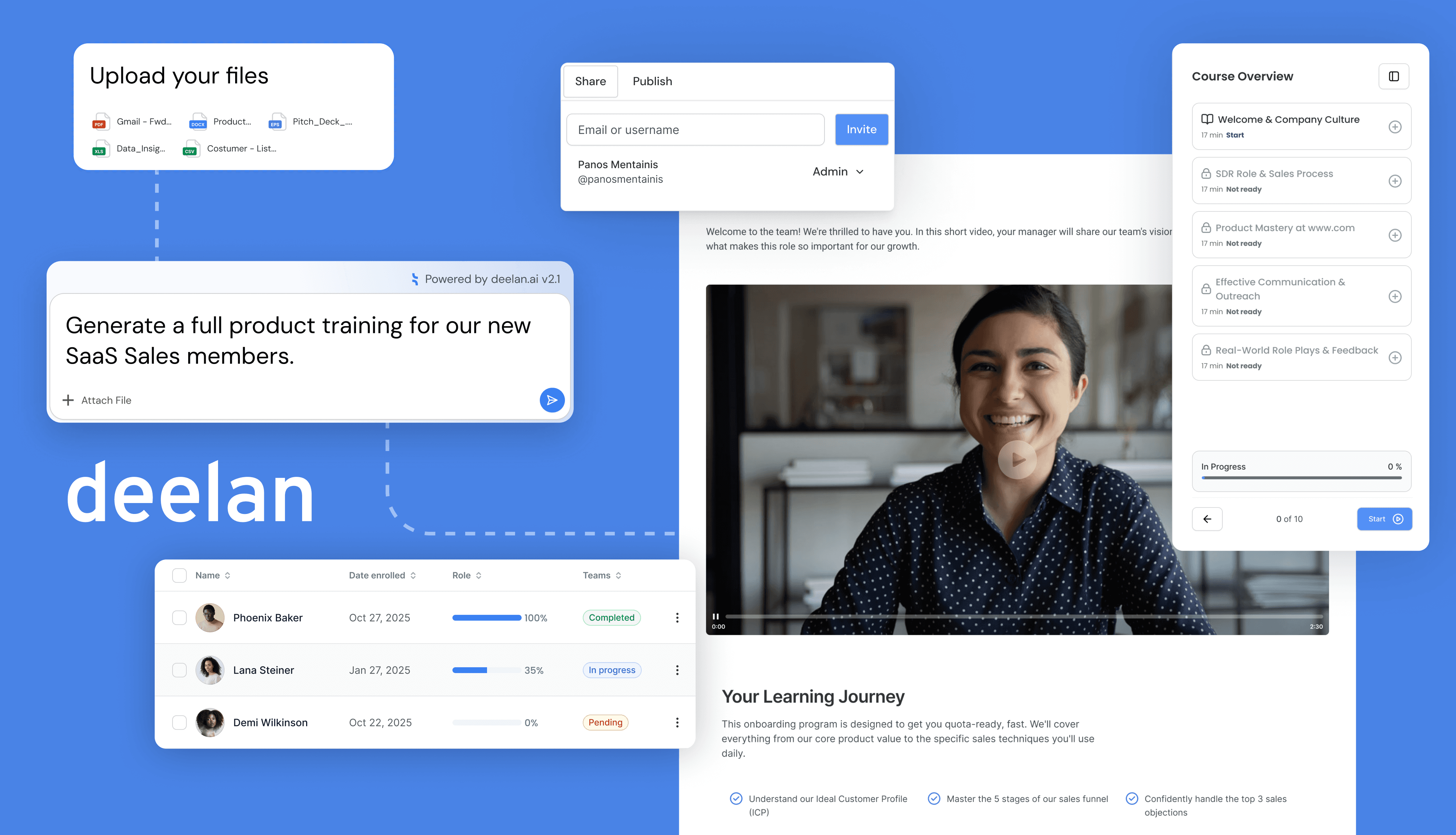
Platforms like Deelan (Deelan.ai) support this approach by helping teams generate structured training fast and track progress with simple analytics, without turning training into a massive production.
The 5 Biggest Challenges of Remote Worker Training
Managing remote team training comes with unique friction points.
Challenge | The Solution |
Isolation & Lack of Support | Create "cohorts" for new hires so they learn together. Assign a peer buddy for informal questions. |
Digital Distractions | Use micro-learning (5–10 minute modules) rather than hour-long lectures. Keep content punchy and interactive. Time-box practice (roleplays, quizzes) so learners stay active |
Time Zone Conflicts | Shift 80% of training to asynchronous (self-paced) formats. Only use live time for discussion and practice. |
Tech Issues & Access | Ensure your LMS for remote teams is mobile-friendly and low-bandwidth accessible. |
Low Engagement | Move away from passive watching. Use quizzes, AI roleplays, and gamification to demand active participation. |
Synchronous vs. Asynchronous: Choosing Your Delivery Model
A successful remote employee training program blends two modes of delivery. Knowing when to use which is the secret to efficiency.
Synchronous vs Asynchronous vs Blended
Model | Best for | Pros | Watch-outs |
|---|---|---|---|
Synchronous (live) | Coaching, workshops, roleplay debriefs, leadership discussions | Real-time interaction, fast alignment | Time zones, meeting fatigue |
Asynchronous (self-paced) | Onboarding basics, product knowledge, compliance, repeatable skills | Scales globally, consistent delivery | Needs checkpoints + practice to stick |
Blended | Complex skills (sales, CS), manager training, hybrid teams | Combines scale + live practice | Requires clear sequencing |
A simple rule: teach async, practice sync (or practice with AI roleplays), then reinforce async again.
How to train remote employees (8 steps)
If you need to launch a remote worker training initiative from scratch, follow this roadmap.
Conduct a Training Needs Analysis: Identify skill gaps. Don't guess- use data. (See our guide on training needs analysis template)
Audit Your Tech Stack: Ensure you have a reliable remote training LMS or platform that supports multimedia and tracking.
Define Learning Objectives: What specifically should the learner be able to do after this training?
Curate and Create Content: Build your modules.
Pro Tip: Use AI tools to speed this up. Deelan’s Easy Mode Builder allows you to input a topic (e.g., "Cybersecurity Basics") and generates a full course structure instantly.
Determine Delivery Format: Decide what is live vs. on-demand.
Launch and Promote: Treat internal training like a product launch. Build hype and explain the "WIIFM" (What's In It For Me).
Monitor Engagement: Watch completion rates and quiz scores early on to identify stragglers.
Gather Feedback & Iterate: Use surveys to refine the content for the next cohort.
The remote training toolkit: what capabilities matter
You don't need a dozen tools, but you do need the right capabilities.
Learning Management System (LMS): The central hub for hosting content and tracking progress. Look for platforms that offer white labeling so the environment feels like your brand.
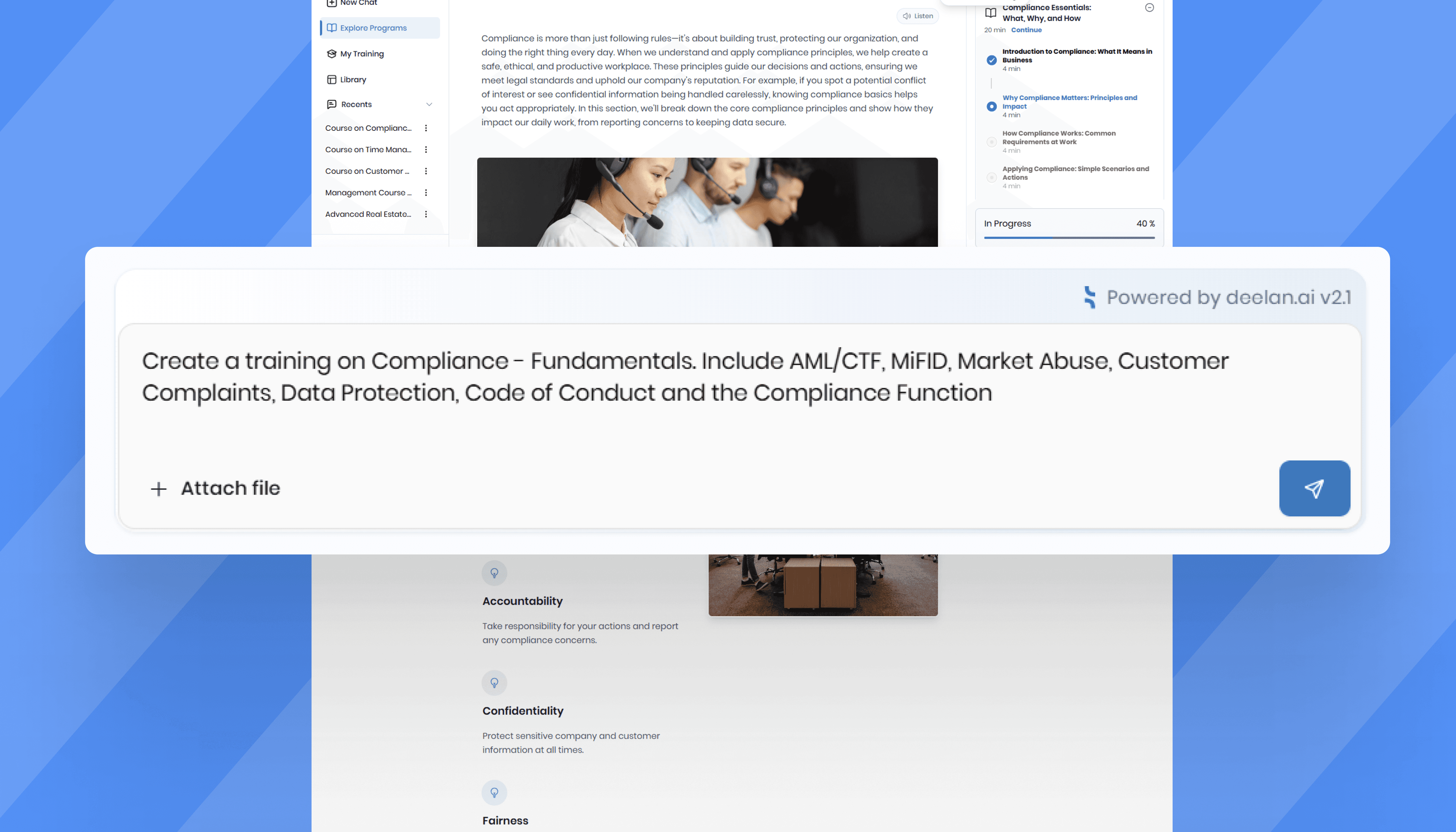
Authoring Tools: Software to create the courses. Ideally, this is built into your LMS to avoid compatibility issues. Deelan’s Chat-based creation allows you to iterate on training content simply by conversing with the AI.
Practice + coaching: roleplays, feedback, repetition
Assessment: quizzes, scenario checks, skill gap detection
Analytics: progress visibility by team/role and where learners struggle
Branding: clean, familiar experience (white label helps adoption)
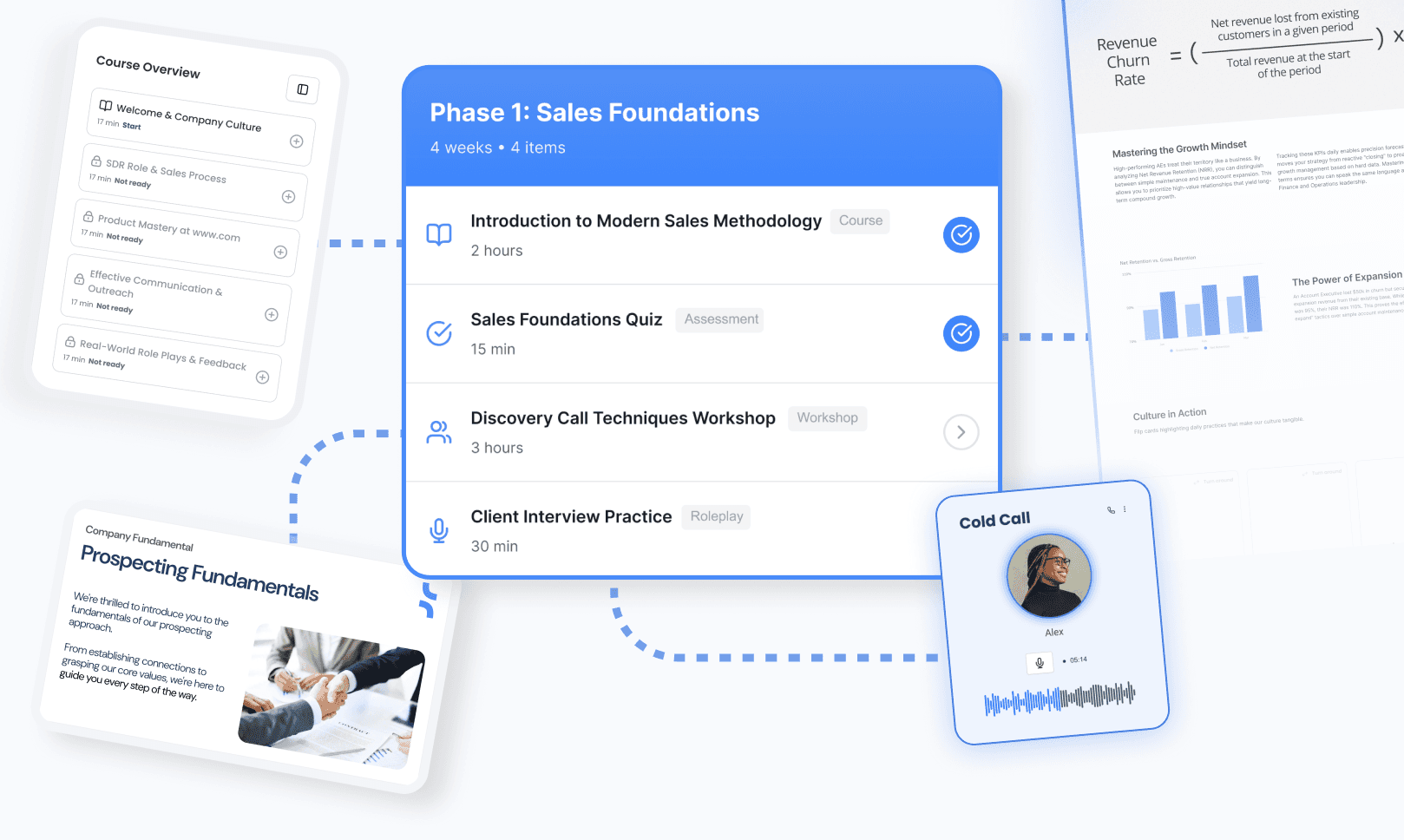
Deelan fits this approach with: Fast training generation (prompt-based or guided builder), Courses with quizzes for onboarding, compliance, and product knowledge, AI audio roleplays that analyze tone, clarity, strengths, and improvements, Progress tracking that shows who’s ready and who needs support, White labeling so training feels native to your company
Role-Based Training Maps: Sales, CS, and Leadership
To drive performance, customize the path for the role.
Remote Sales Training
Sales teams need more than product knowledge; they need "at-bats." Remote sales training is notoriously difficult because managers can't overhear calls on the sales floor.
Focus: Pitch certification, objection handling, and negotiation.
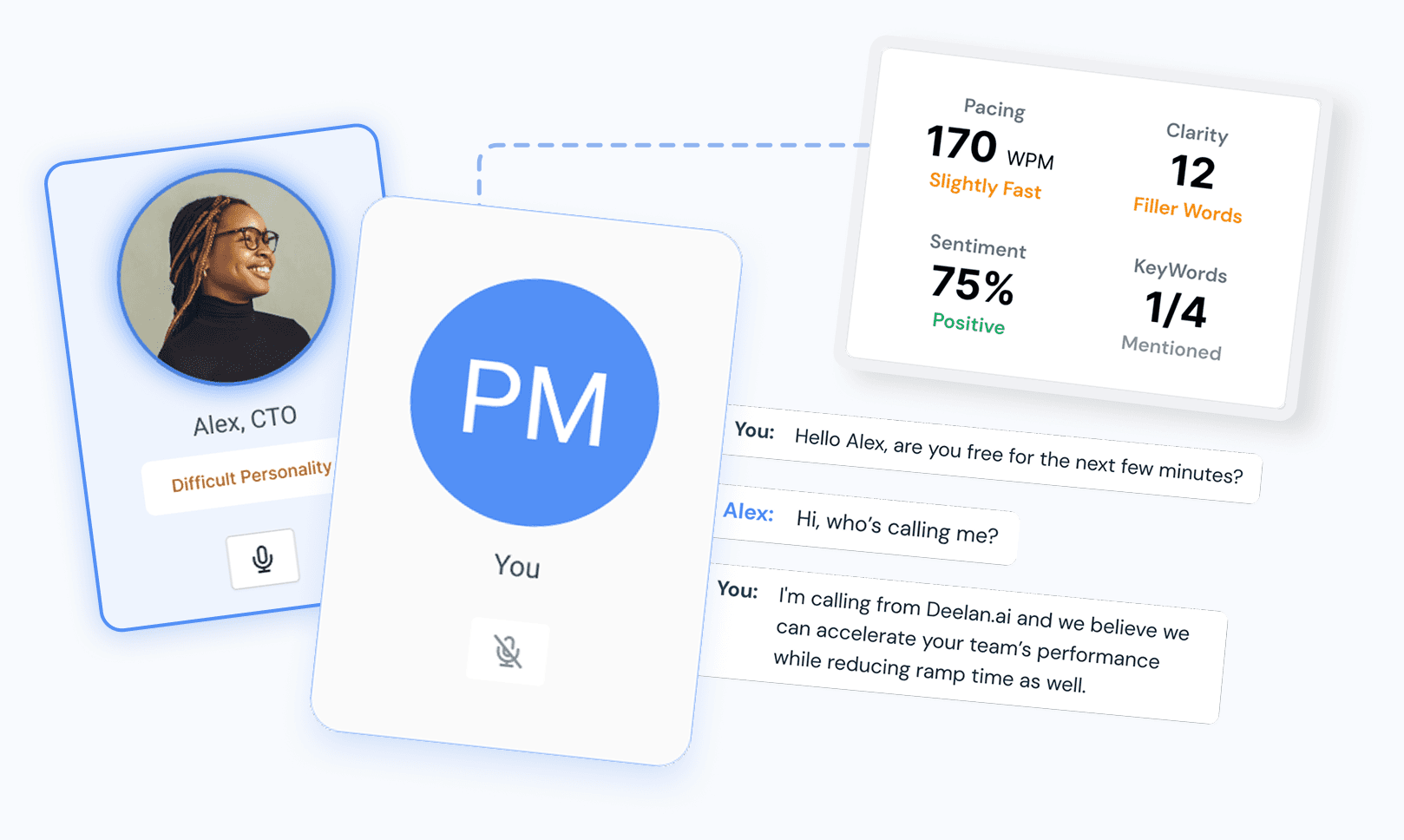
Tactics: Use AI Sales Roleplays. Instead of burning leads, reps practice with an AI buyer. Deelan’s roleplay simulations analyze tone, clarity, and objection handling, giving instant feedback on strengths and improvements.
(Read more: AI sales roleplay training)
Customer Success (CS)
Focus: Platform expertise, de-escalation, and renewal conversations.
Tactics: Simulation of "angry customer" scenarios helps CS managers assess soft skills safely.
(See: customer success training)
Management & Leadership
Focus: Asynchronous communication, empathy, and performance management.
Tactics: Scenario-based learning on how to handle difficult remote conversations or conduct a virtual performance review.
Tips to create remote training that your team will love
Make it “small, frequent, applied”
10-minute learning → 10-minute practice → 2-minute reflection
Weekly “skill focus” themes (e.g., discovery questions, escalation handling)
Add milestones
Module deadlines every 7–10 days
A required practice submission (roleplay or scenario response)
One manager check-in after each milestone (5–15 minutes)
Build community without forcing it
Discussion prompts tied to real work
Peer examples (“share your best email opener”)
Optional “wins” channel with short recordings or notes
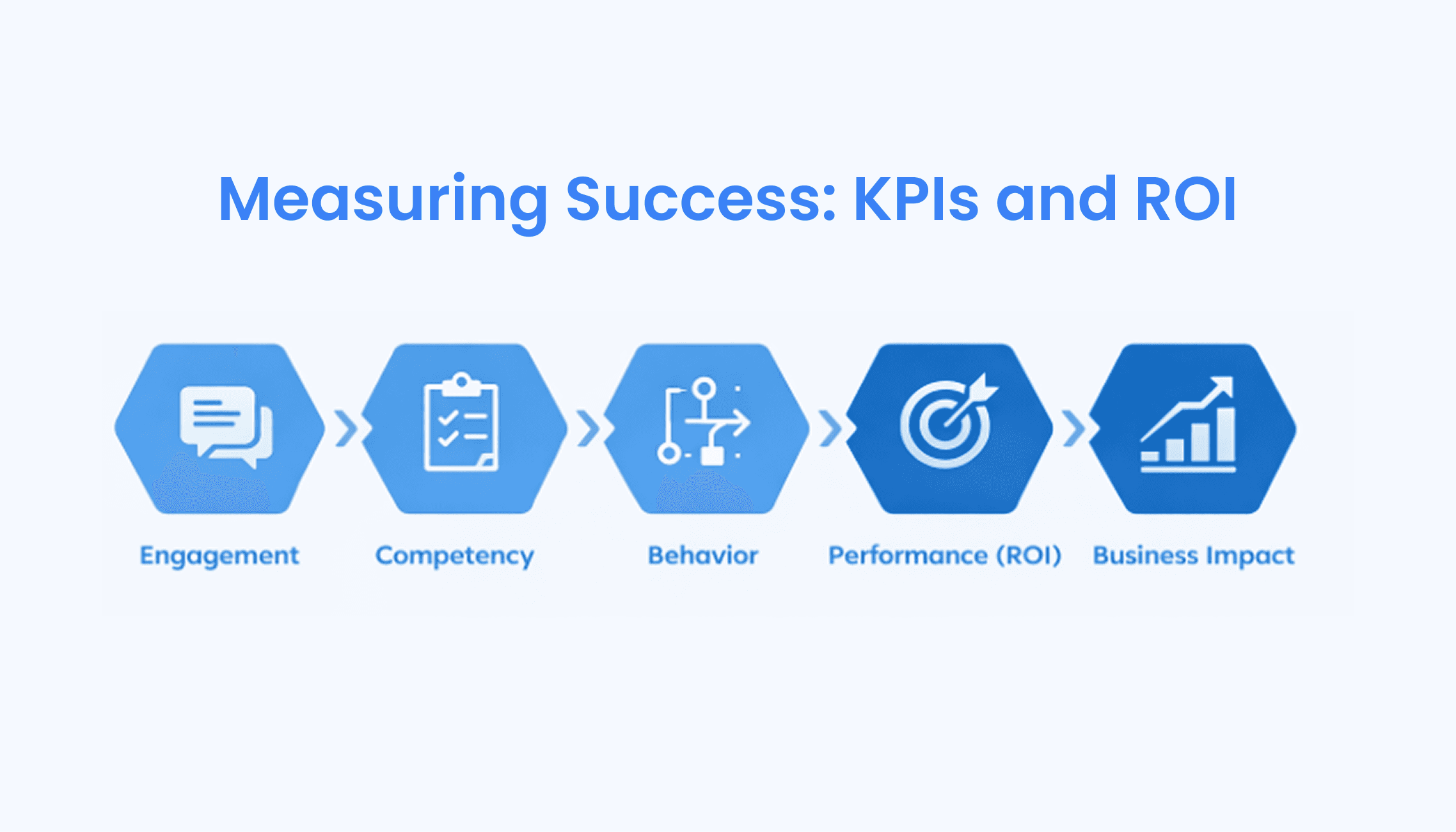
Measuring Success + dashboard
Metric Category | KPI Example | What It Tells You |
Engagement | Course Completion Rate | Are employees actually doing the work? |
Competency | Assessment/Quiz Scores | Did they understand the material? |
Behavior | Roleplay Confidence Score | Can they apply the skill in conversation? |
Performance (ROI) | Time-to-Ramp (New Hires) | How fast did they become productive? |
Business Impact | Win Rate / Ticket Resolution | Did training improve the bottom line? |
Tip: Don’t over-measure. Choose 5–7 metrics that map to outcomes (ramp time, win rate trends, renewal health, ticket resolution time), and review them monthly.
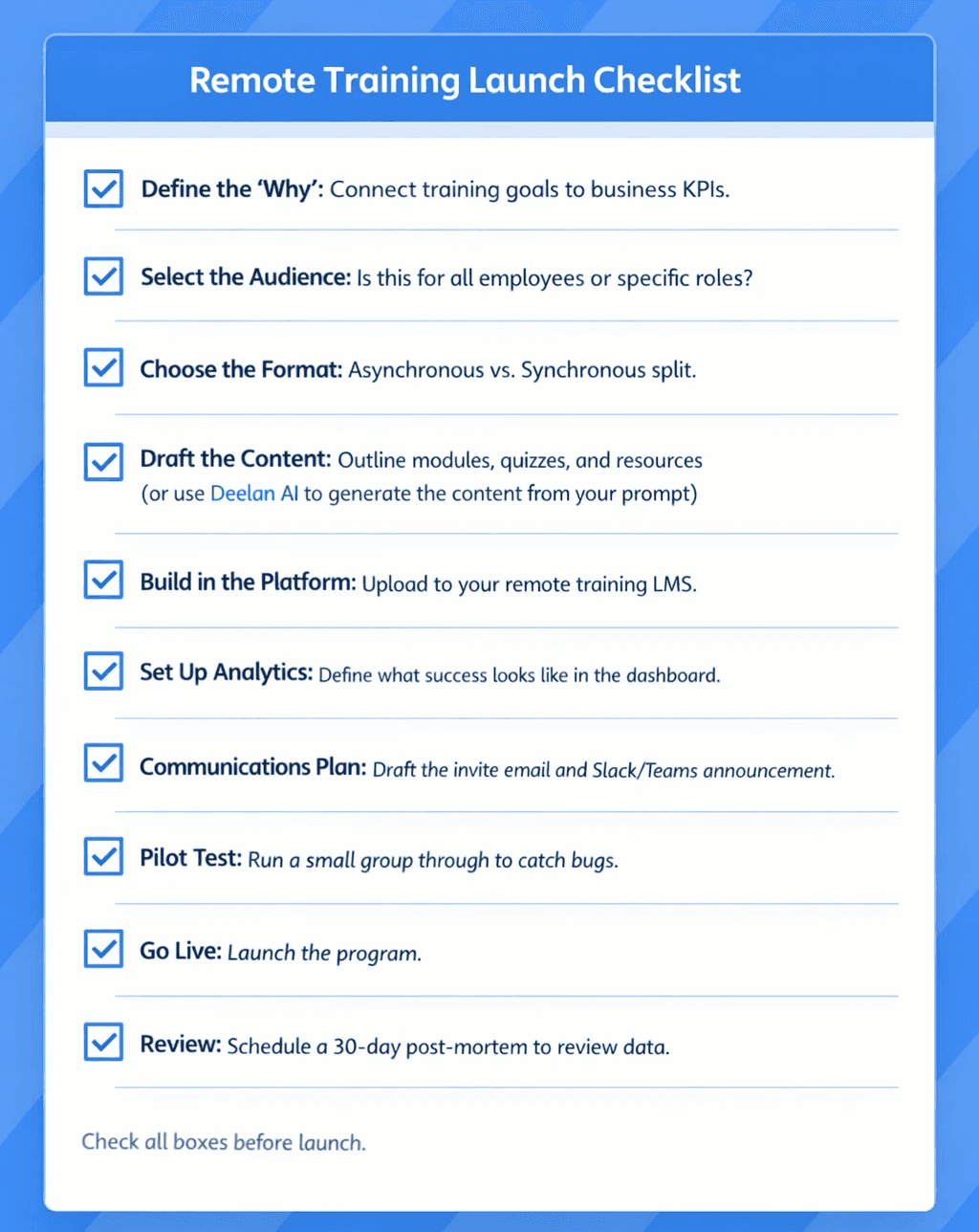
Checklist: Launching Your Remote Training Program
[ ] Define the "Why": Connect training goals to business KPIs.
[ ] Select the Audience: Is this for all employees or specific roles?
[ ] Choose the Format: Asynchronous vs. Synchronous split.
[ ] Draft the Content: Outline modules, quizzes, and resources (or use Deelan AI to generate the content from your prompt)
[ ] Build in the Platform: Upload to your remote training LMS.
[ ] Set Up Analytics: Define what success looks like in the dashboard.
[ ] Communications Plan: Draft the invite email and Slack/Teams announcement.
[ ] Pilot Test: Run a small group through to catch bugs.
[ ] Go Live: Launch the program.
[ ] Review: Schedule a 30-day post-mortem to review data.
FAQs
Q: How do I keep training from feeling impersonal?
A: Use video where possible, inject humor, and use a conversational tone in your text. AI tools can help adjust the "voice" of your content to match your brand's warmth.
Q: How long should remote training sessions be? A: Live sessions should rarely exceed 60 minutes. Asynchronous modules should be "bite-sized", ideally 5 to 15 minutes per lesson.
Q: Can I train soft skills remotely?
A: Absolutely. While theory is taught via text/video, practice is best done through AI audio roleplay simulations or live peer-to-peer breakout rooms.
Q: How do I ensure employees actually watch the training videos?
A: Embed interactive checks (polls, quizzes) inside or immediately after the content. If you use a platform like Deelan, analytics will show you exactly where users drop off.
Ready to modernize how your team learns?
If you’re building a remote training program that needs to be fast, structured, and role-based—without turning training into a full-time content project, Deelan can help you generate courses, quizzes, workshops, and AI roleplays, then track who’s ready and who needs support.
Best for: HR/L&D, Sales Enablement, RevOps, and Customer Success leaders training distributed remote and hybrid teams.