Sales teams run on information. Product knowledge, objection responses, prospect context, onboarding materials, weekly priorities — it's a lot to manage, and most of it ends up scattered across Slack threads, shared drives, and email chains nobody can find again.
Notion - is a flexible workspace where you can build exactly what your team needs — no IT ticket required, no expensive software license, no waiting for someone else to set it up. Just a clean, connected space where your team's knowledge actually lives.
This guide covers what's worth building, how to build it well, and a few templates to get you started without starting from scratch.
6 things worth building in Notion for your sales team
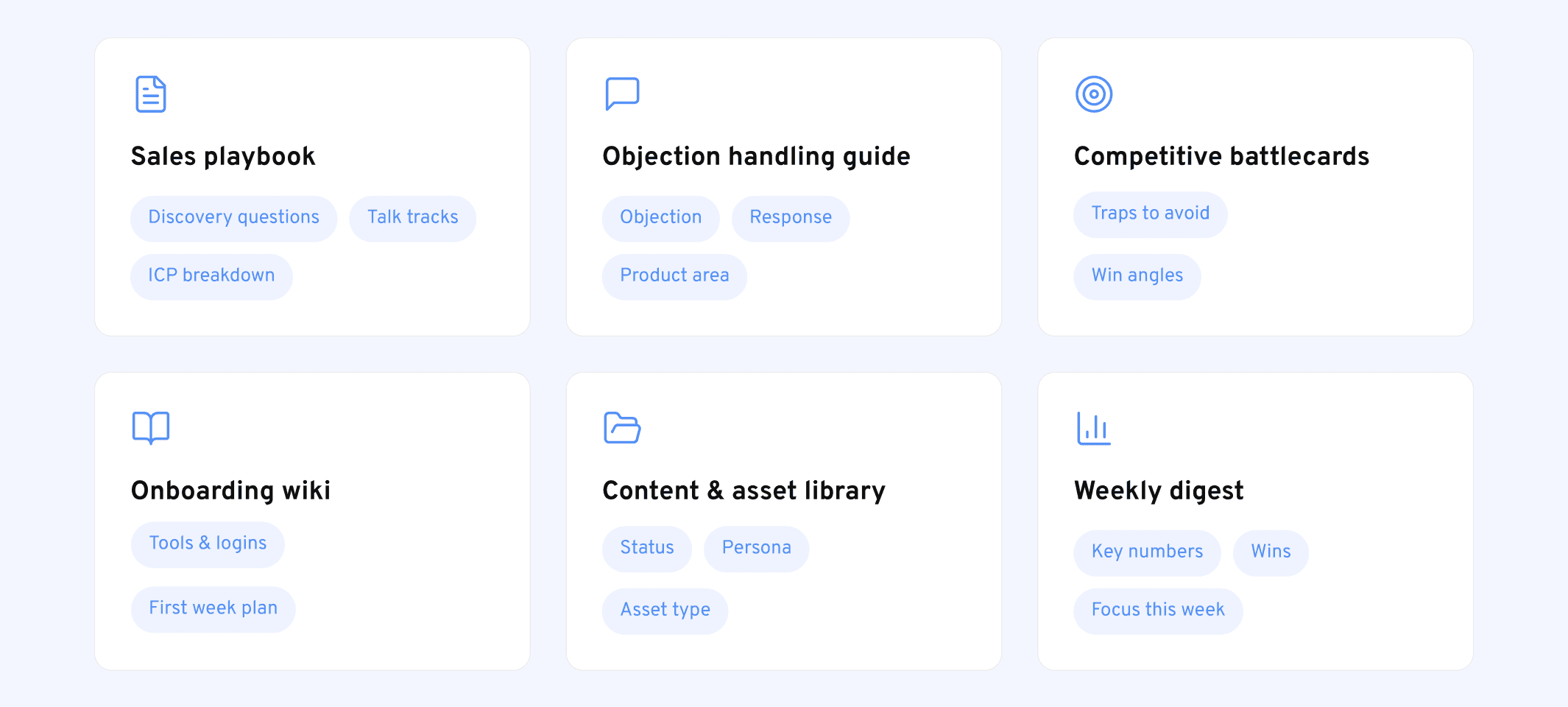
1. A sales playbook
Your playbook is the foundation. It documents how your team sells — the methodology, the messaging, the ICP, the stages, the questions reps should be asking. Without it written down somewhere, institutional knowledge lives in the heads of your top performers and disappears when they leave.
A Notion playbook works well because you can structure it hierarchically — a top-level page with sections, each one opening into more detail. Reps can scan the summary and dig deeper when they need to.
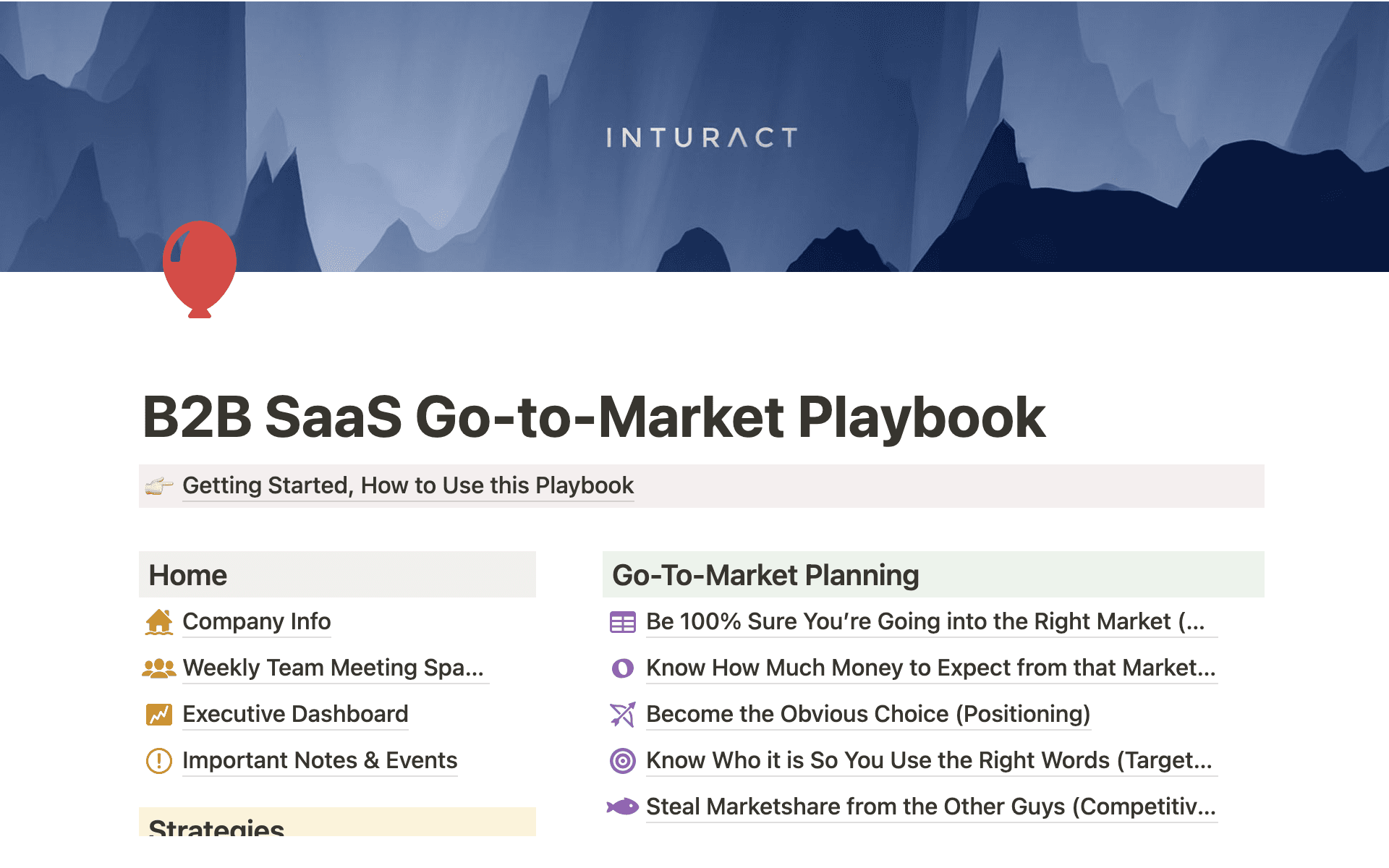
Link to template: https://www.notion.com/templates/b2b-saas-go-to-market-playbook?srsltid=AfmBOorLqLuITc7JDCDP4KFjsBkM5-tKSETlWx-rK_1zM95G90_eFALg
What to include: discovery framework, ICP breakdown, talk tracks, sales stages and exit criteria, objection handling, competitive positioning.
2. An objection handling guide
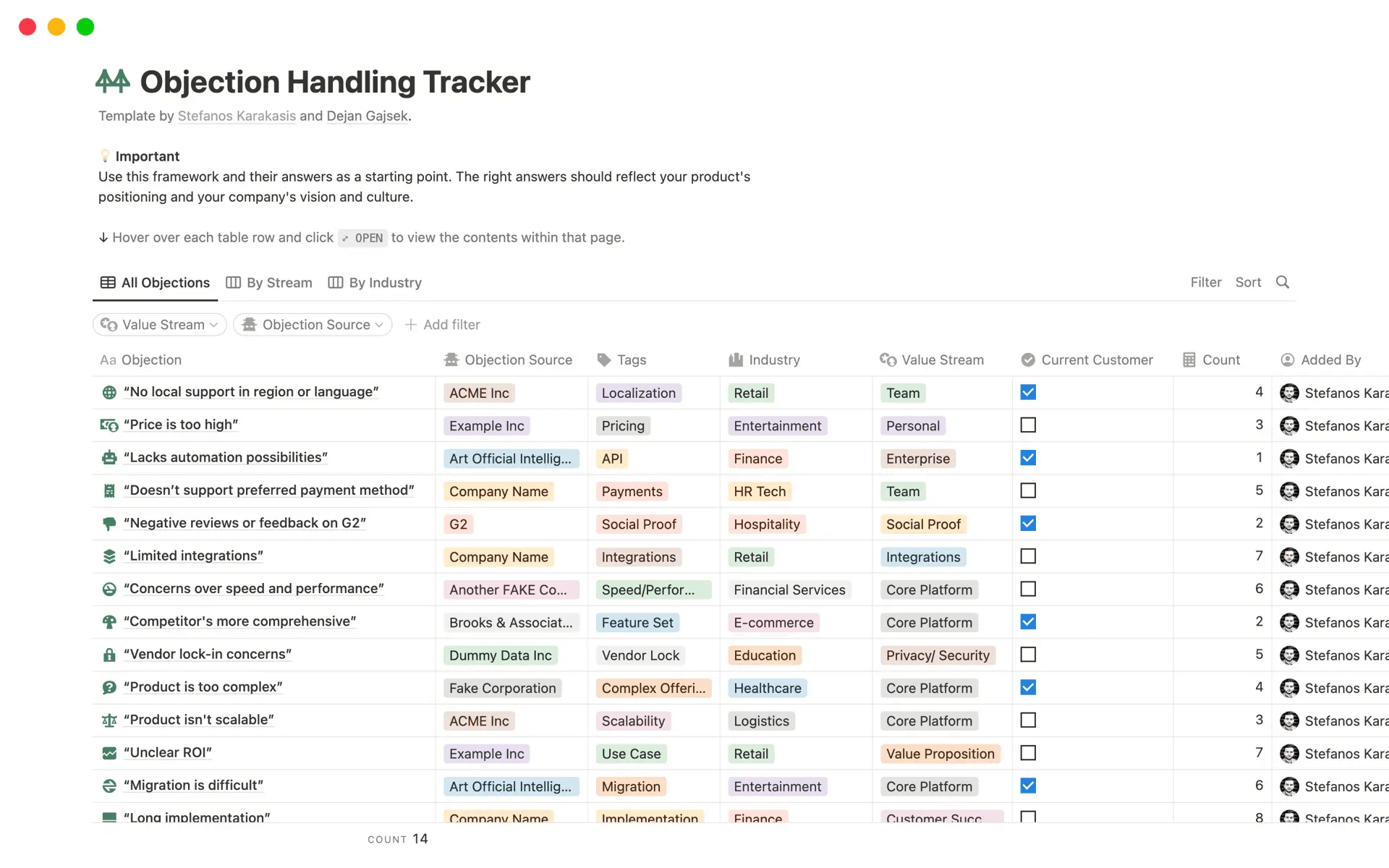
Link to template: https://www.notion.com/templates/objection-handling-tracker?srsltid=AfmBOooHgmIjN4eyze7_jY-TfdsGjcM8fALVegXpF9waTVWxyy-7_5YN
Objections come up constantly, and how reps handle them is often the difference between a deal that moves and one that stalls. A shared objection guide gives the whole team consistent, tested responses — and makes onboarding faster because new reps don't have to figure it out through trial and error.
Build it as a Notion database with one entry per objection. Tag each one by product area, deal stage, or persona so reps can filter to exactly what they need before a call.
What to include: the objection verbatim, the recommended response, who owns updating it (product, marketing, sales), and any supporting context.
3. Competitive battlecards
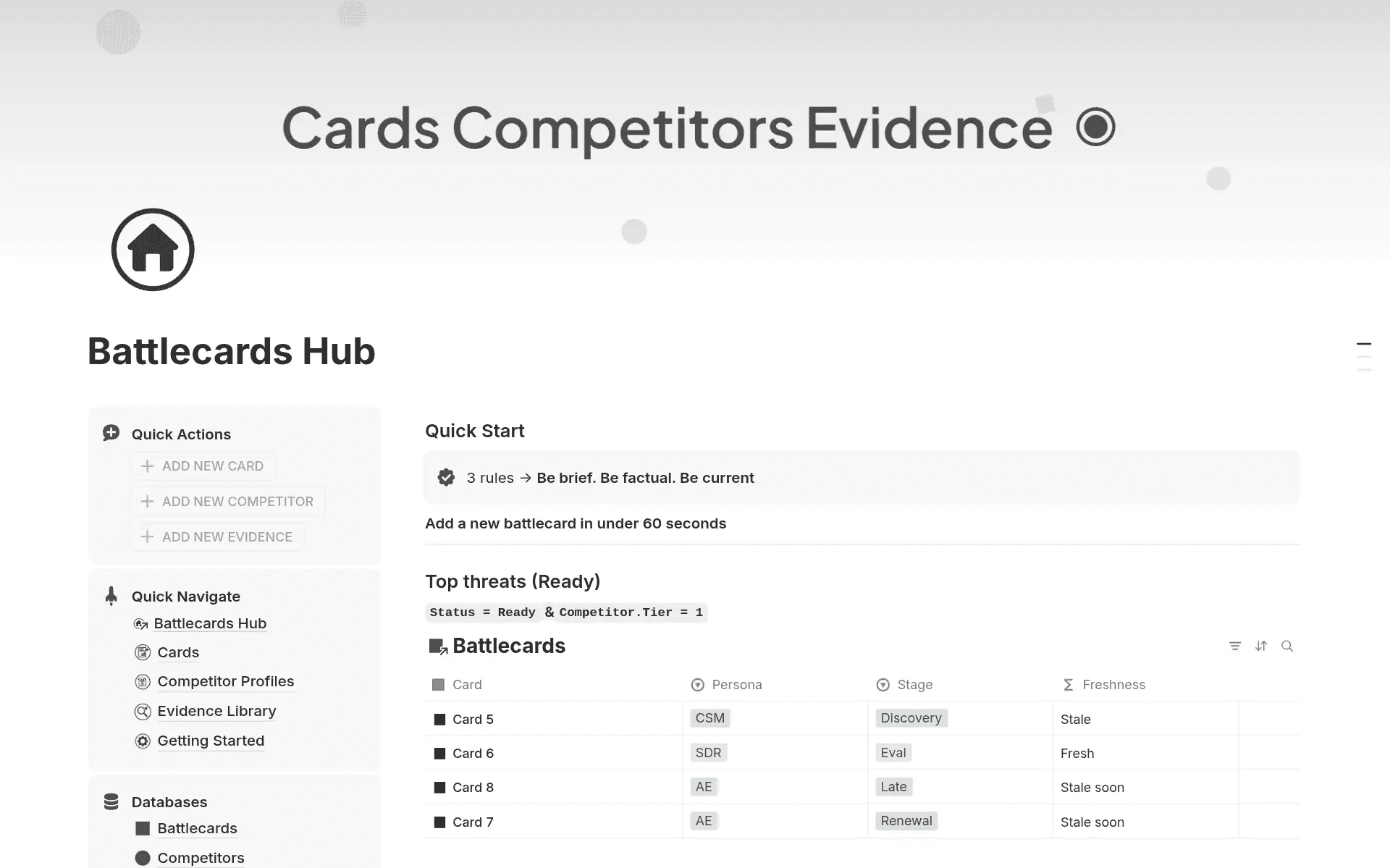
Link to template: https://www.notion.com/templates/battlecards?srsltid=AfmBOopP-G9Y0FUNvFjhpM3ljrX0BiqkUKQu55b34rnqZ_xUgnzUOyWN
One page per competitor. Keep them short and scannable — reps don't read long documents before calls. What they need is: where you win, where the competitor wins, what traps to avoid, and how to reframe the conversation when a prospect brings them up.
Notion works well here because you can embed links, add database relations (connecting competitors to relevant objections, for example), and update easily when the competitive landscape shifts.
What to include: competitor strengths, your win angles, common traps, suggested responses, recent customer wins against them.
4. An onboarding wiki
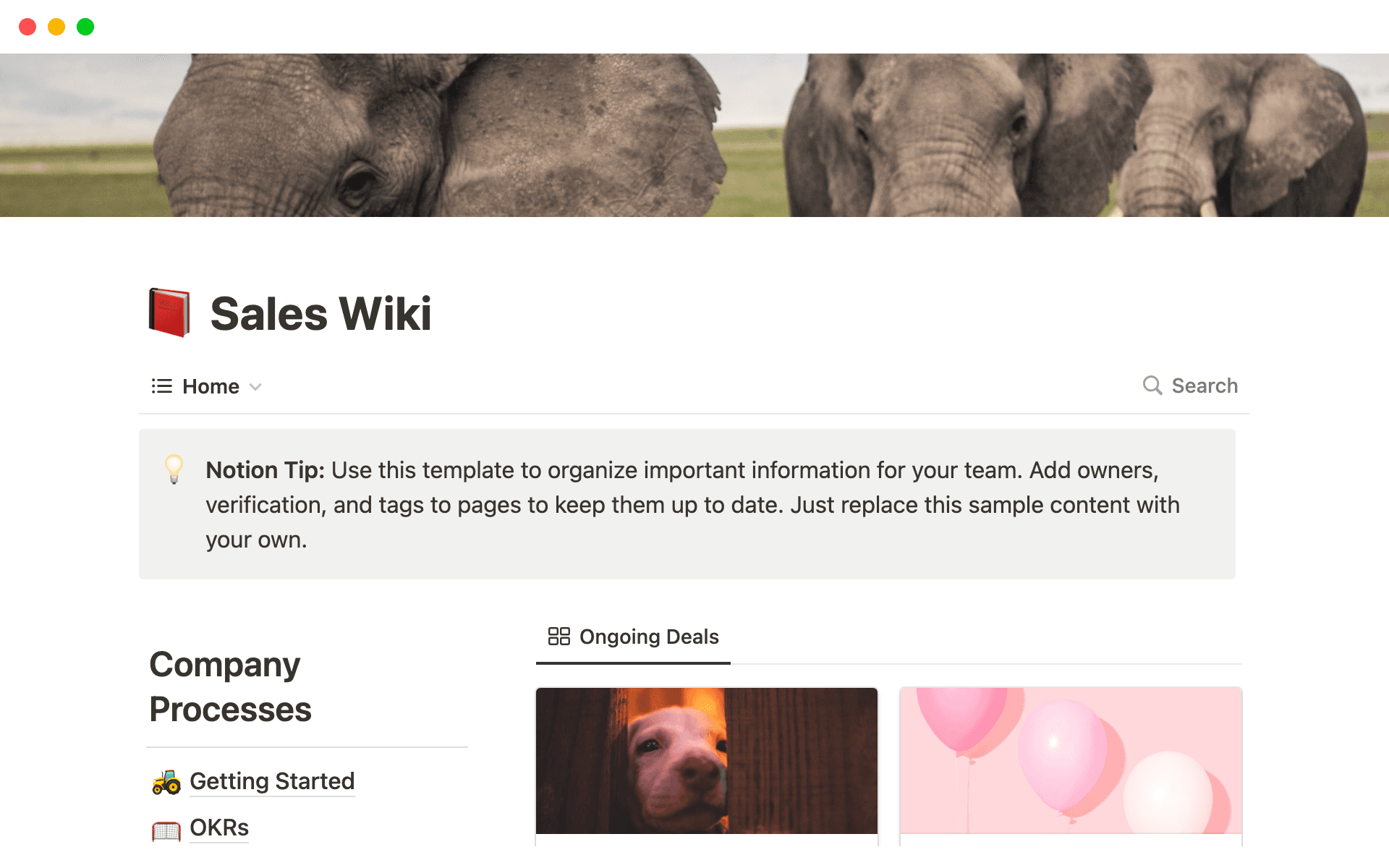
Link to tempalte: https://www.notion.com/templates/sales-wiki?srsltid=AfmBOoq-EY82qkARXK8hjnbYu4EINVXl9PkR1ojPj4LwlNkIy2fEgC9C
The first 30, 60, 90 days of a new rep's ramp determines a lot. Most teams handle it inconsistently — which means manager time is wasted repeating the same information, and reps are uncertain about what they should be doing.
A Notion onboarding wiki solves this. One structured home for everything a new rep needs: tools to access, people to meet, product knowledge to build, processes to follow. It also signals professionalism — joining a company and finding a well-built wiki tells reps immediately that the team is organised.
What to include: tools and login instructions, product overview, first week plan, key contacts, resources to study, checkpoints.
5. A content and asset library
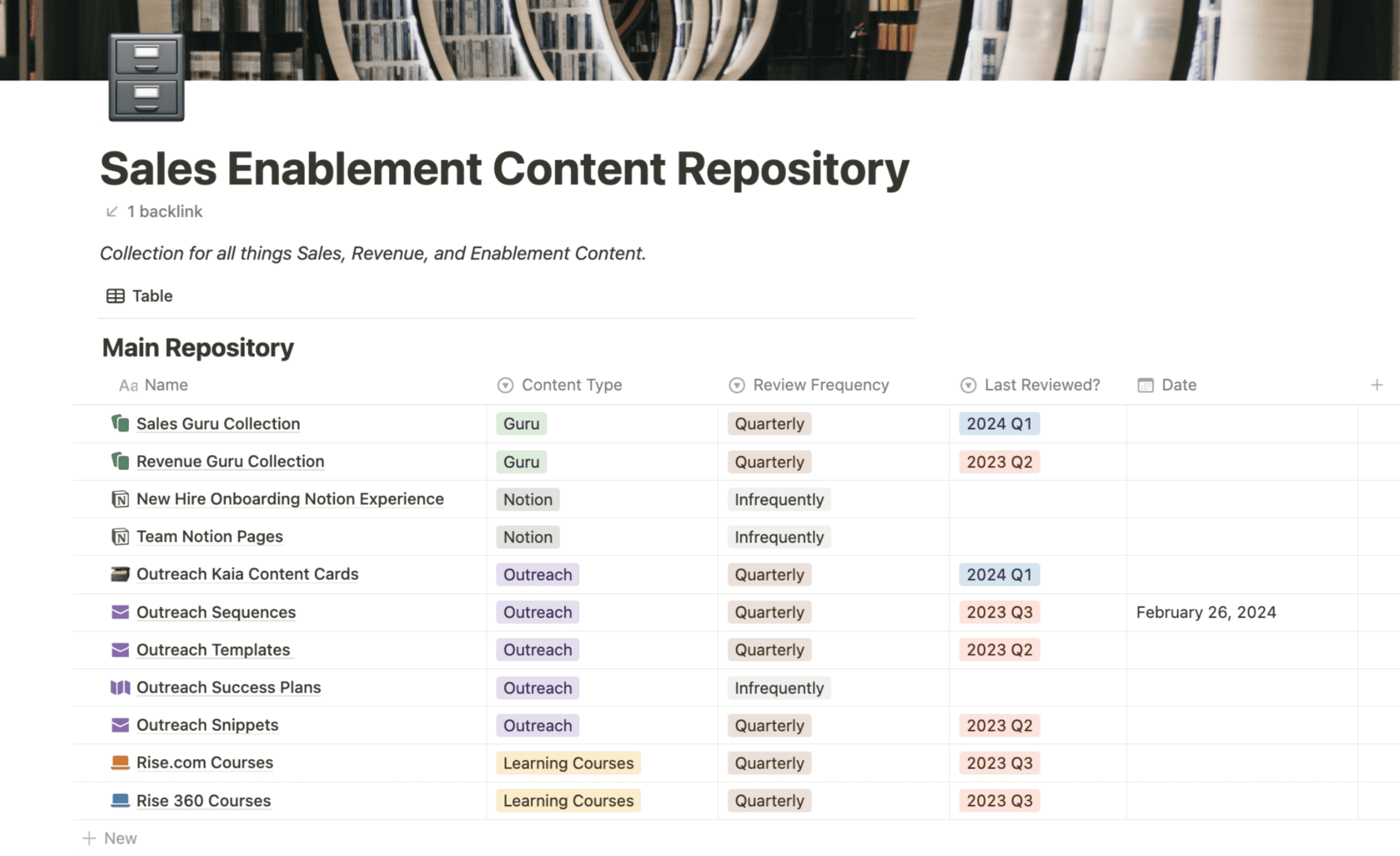
Your sales team uses a lot of collateral — decks, case studies, one-pagers, email sequences, call scripts, video demos. The problem is usually finding the right one. Reps end up asking in Slack, getting five different versions, or giving up and winging it.
A Notion content library with database filtering solves this. Tag every asset by type, persona, use case, and status. Reps can filter down to exactly what they need in 30 seconds.
What to include: asset name, type, persona it's for, use case, status (in use / needs update / archived), last updated date.
6. A weekly digest
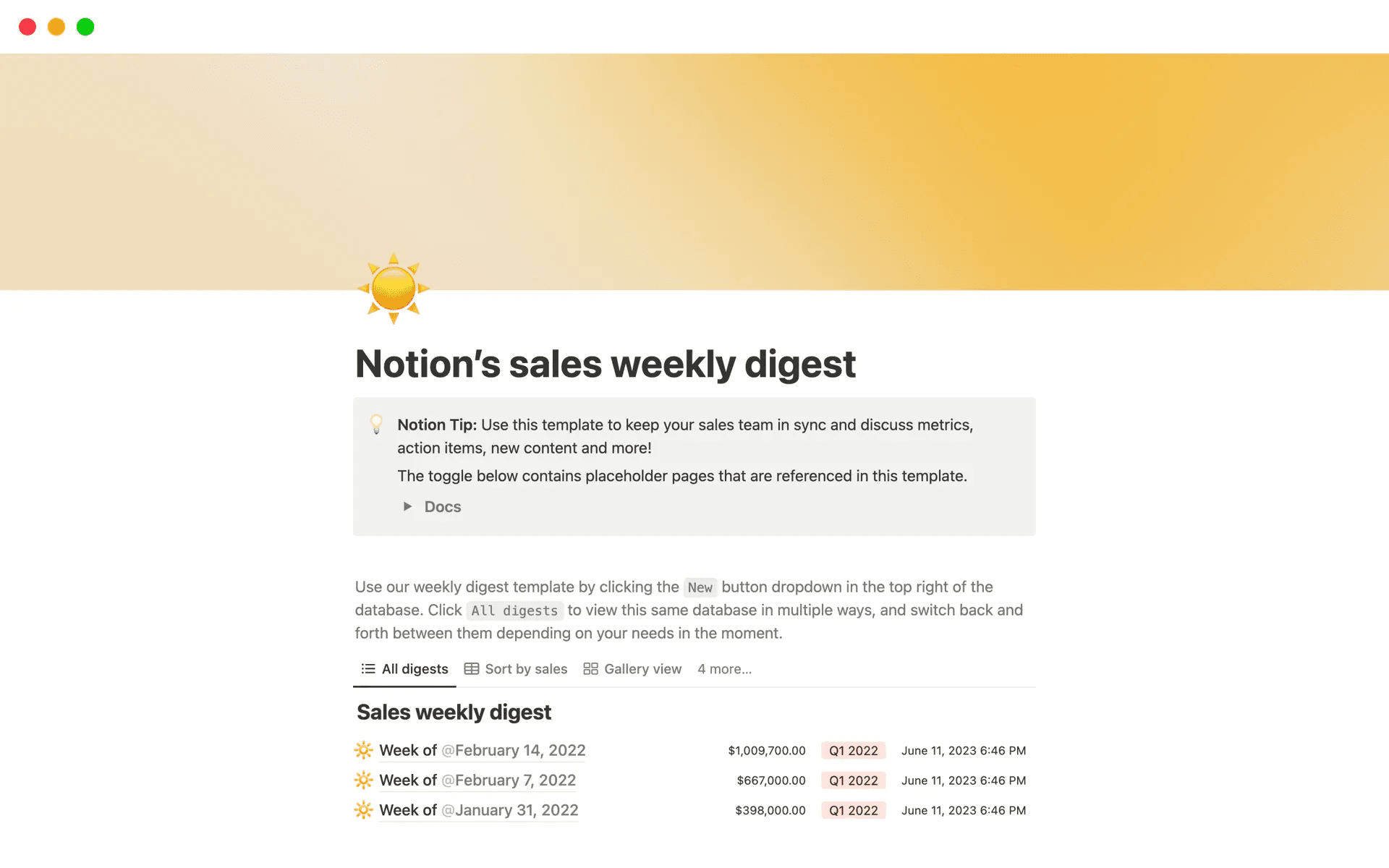
Link to template: https://www.notion.com/templates/notions-sales-weekly-digest-1?srsltid=AfmBOop1xhNwREW6a4dBUNywEHI1YZYc9iBVhBaBv4dGon9Rm0sOEwD-
Instead of a congested email newsletter, build your internal weekly update as a Notion page and share a link in Slack. It's cleaner, easier to scroll, and you can include embedded links, tables, and toggle sections to keep it skimmable.
Create a template page and duplicate it each week — takes 10 minutes to fill in, and your team has a clean record of priorities, wins, and announcements over time.
What to include: key numbers from the week, wins and highlights, priorities for the coming week, any new content or resources, action items by owner.
Useful Notion templates to get started
You don't need to build every page from scratch. Here are four templates worth starting with:
Contact List / Personal CRM A simple way to store and organise contacts, set follow-up reminders, and add notes about relationships. Useful for account executives managing a book of business or anyone who needs to keep track of key relationships without a full CRM. → Get the template
Sales Enablement Strategy A structured framework for building or refreshing your enablement system — covers goal-setting, KPIs, ICP, content mapping, onboarding, coaching, and tool stack. Includes guided prompts and collaboration points across marketing, product, and customer success. → View template
Sales Team Dashboard A home base for the sales team — mission and values, key contacts, recent announcements, quick links, and this week's priorities. Good for teams that want one place everyone checks first. → View template
Leads Tracker A clean database for logging leads and tracking interactions. Shows stats like outreach rate, response rate, and booking rate — useful for teams that want lightweight pipeline visibility without a full CRM. → View template
6 tips for pages that actually get used
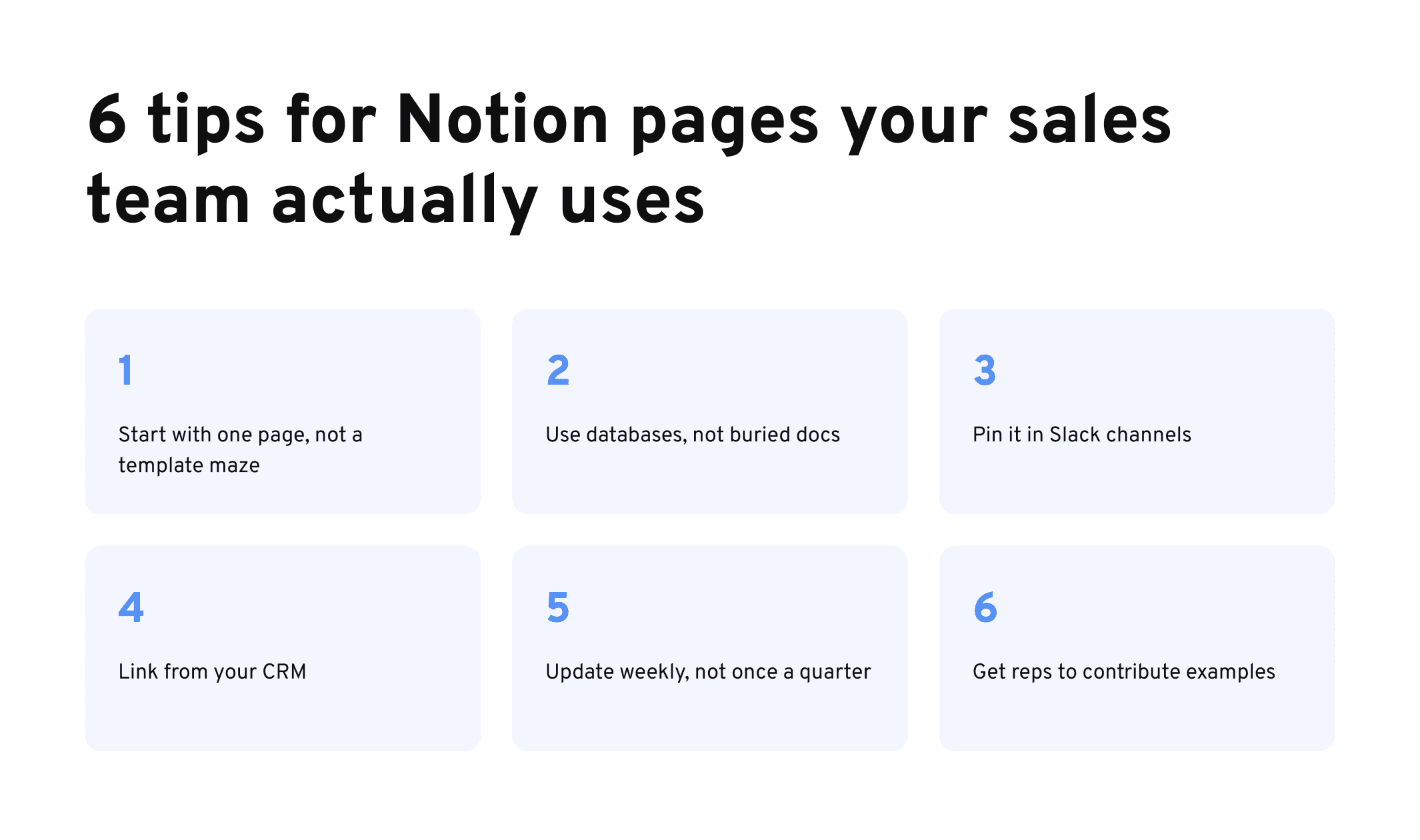
Keep pages short. Use toggle blocks to hide detail. Show the headline, let reps expand when they need more.
Use database views. The same content filtered by persona, product, or deal stage gives different reps exactly what's relevant to them.
Build a template first. Duplicate and fill rather than building each page from zero. It's faster and keeps things consistent.
Date everything. Reps need to know if content is current. A playbook with no date is a playbook nobody trusts.
Link pages to each other. Battlecard links to the playbook, playbook links to the onboarding wiki. Notion is most useful when it works as a connected system, not a collection of isolated docs.
One more idea: turn your Notion pages into sales training, roleplays and more
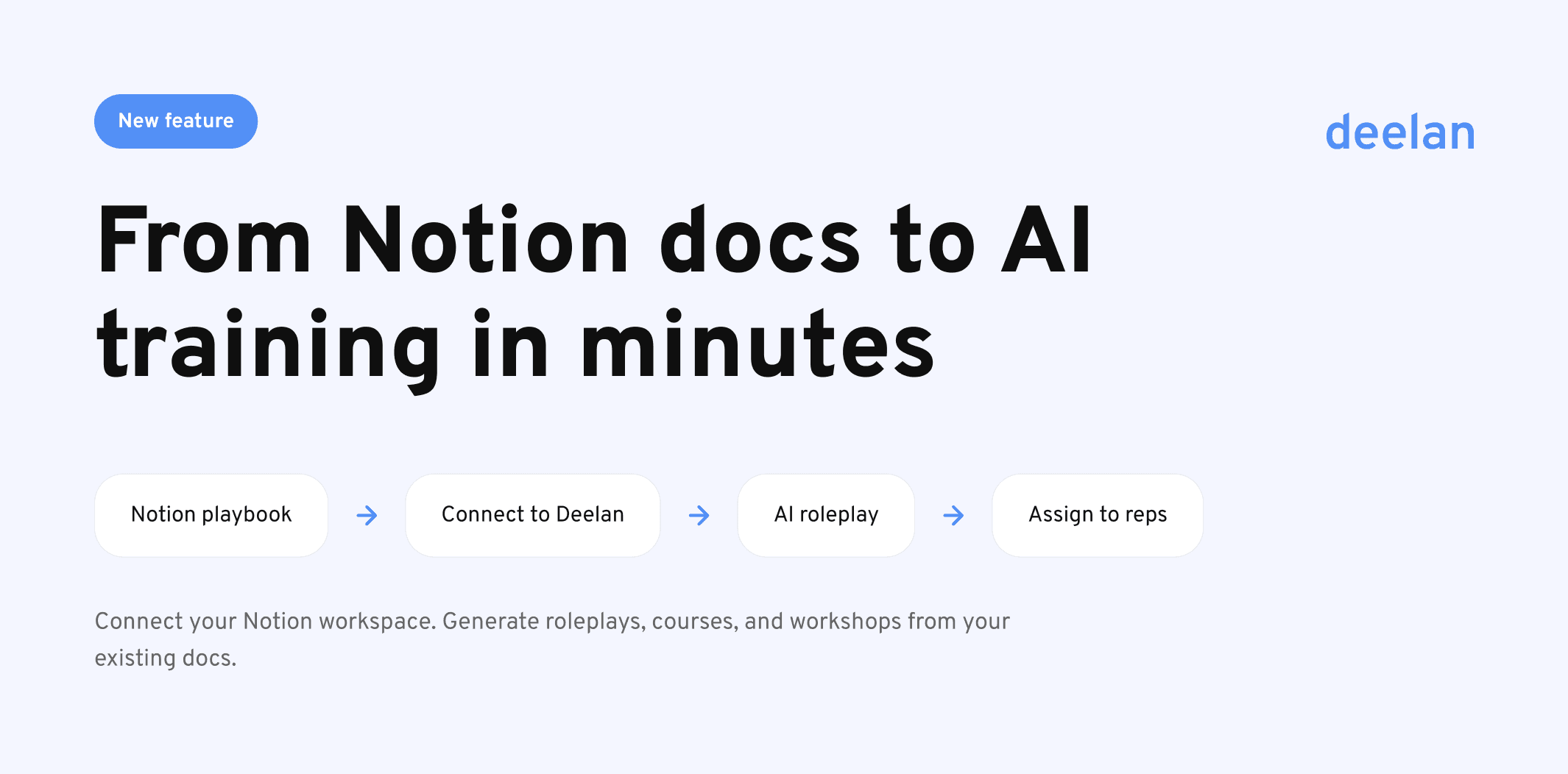
Once your Notion pages are set up, there's something worth knowing. You can connect your Notion workspace directly to Deelan and generate real sales training from the docs you've already written — AI roleplays, courses, workshops, and assessments, built from your actual playbook and content.
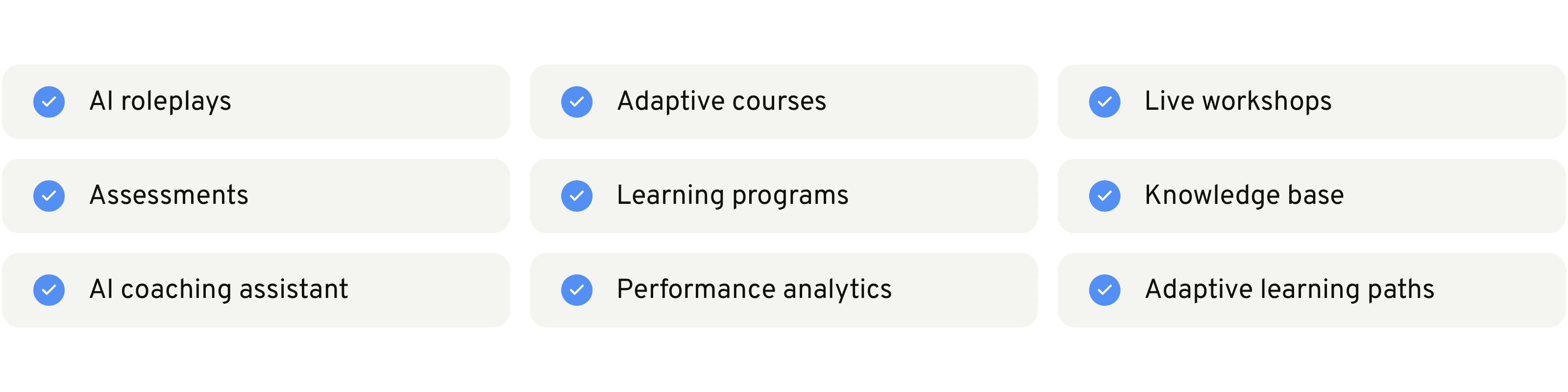
No rebuilding content. No L&D team. If you wrote it in Notion, Deelan can train from it.